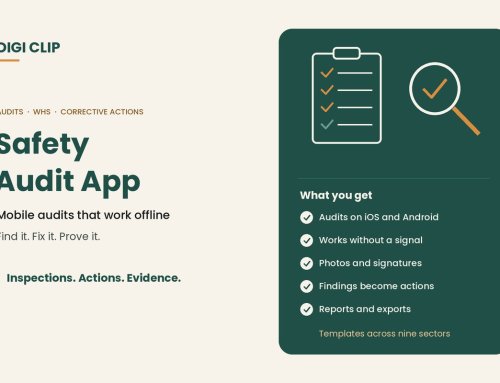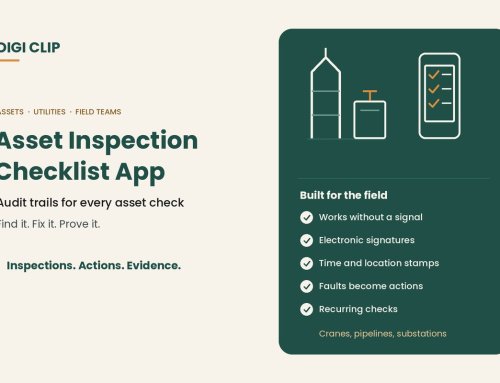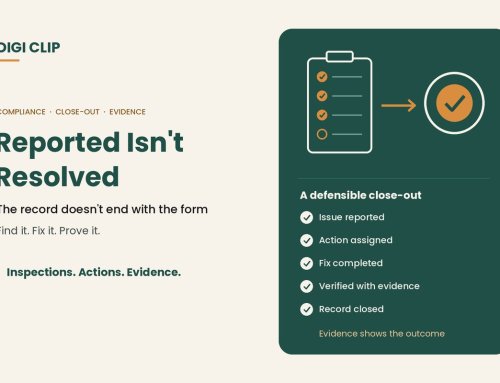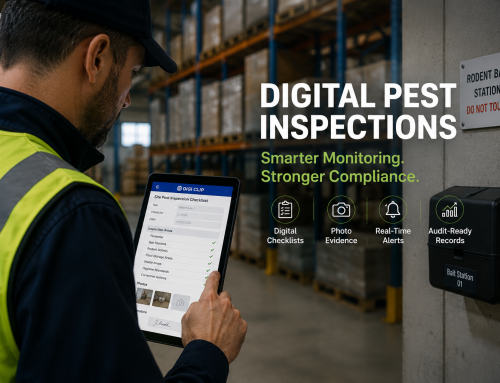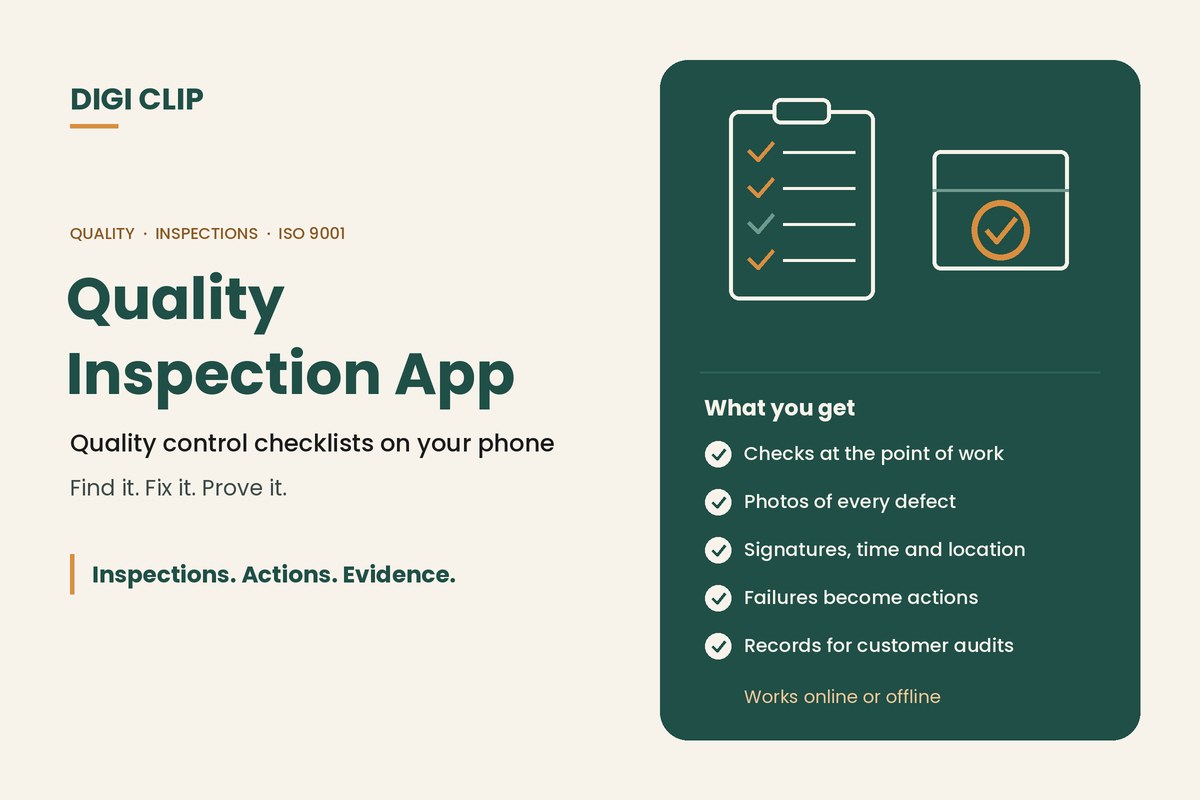
A quality inspection app lets teams complete quality control checklists on a phone or tablet at the point of work, whether that’s the receiving dock, the production line or a construction site. Results are recorded with photos, signatures, time and location, and anything that fails becomes a tracked corrective action or non-conformance, so there’s a clear record from the defect to the fix.
Quality Inspection App: Quality Control Checklists on Your Phone, Online or Offline
Paper quality checklists slow things down at exactly the wrong time: results get written up later, photos live on someone’s phone, and a failed check depends on someone reading the form. A quality inspection app records the check where it happens and sends failures straight to the right person. This guide covers what to look for in a quality control checklist app, the inspections it can cover, and how to move quality checks off paper.
Key points
- Record quality checks at the point of work, with photos of any defects.
- Failed checks should become tracked corrective actions or non-conformances.
- Offline use matters on sites, in cool rooms and in large facilities.
- Consistent digital records support ISO 9001, customer audits and supplier reviews.
- Start with one high-volume inspection, such as receiving or final inspection.
What to look for in a quality inspection app
| Feature | Why it matters | In DIGI CLIP |
|---|---|---|
| Custom checklists | Each product, process or site has its own quality criteria | Build your own forms or adapt a Form Library template |
| Photo evidence | Shows exactly what the defect looked like | Photos captured on the device and attached to the record |
| Sign-off | Shows who inspected and who approved | Digital signatures on every plan |
| Time and location | Proves when and where the check was done | Each form is time-stamped and location-stamped |
| Offline use | Receiving docks, cool rooms and sites often have poor coverage | Forms are saved to the Offline Folder and submitted with a tap once back online |
| Follow-up | A failed check must reach someone who can fix it | A “No”, “Not OK” or “At Risk” answer creates an action in the Action Log |
| Reporting | Customers and auditors ask for records | Dashboards, plus exports to PDF, Excel and CSV |
For a broader comparison of inspection tools, see our inspection checklist app guide.
Quality inspections you can run on an app
| Inspection | When | Typical checks |
|---|---|---|
| Receiving inspection | When goods or materials arrive | Quantity, damage, labelling, specifications, supplier paperwork |
| First article inspection | At the start of a run or after a change | First item checked against the drawing or specification |
| In-process inspection | During production or installation | Critical steps, settings and workmanship |
| Final or pre-dispatch inspection | Before release to the customer | Finish, function, packaging and documentation |
| Supplier or site audit | Periodically | Whether processes and controls are followed |
We explain each type in more detail in our guide to quality inspection.
Quality checks by industry
- Manufacturing: receiving, first article, in-process and final inspections, plus equipment checks. See our digital checklists for manufacturing.
- Construction: inspection and test plans, hold and witness points, and handover defect checks.
- Food and cold chain: product temperatures, labelling and hygiene checks. See our guide to cold storage and warehousing.
- Warehousing and logistics: inbound checks, pick accuracy and pre-dispatch load checks.
- Agriculture: produce quality, packing shed checks and supplier assurance.
Non-conformances and corrective actions
A quality check only improves quality when failures are followed up. In DIGI CLIP, a failed item creates an action in the Action Log, assigned to an owner, with “View source” opening the original inspection. Actions can use one-step or two-step close-out, so a fix can be verified before it’s closed, and overdue actions trigger escalation emails. For more serious issues, Safety Tracker records quality non-conformances and investigations, with the 5 Whys built into the investigation template.
These records are the everyday evidence behind a quality management system. See our guide to ISO 9001 in practice.
Moving quality checks off paper
- Pick one inspection. Start with a high-volume check, such as receiving or final inspection.
- Build the checklist. Use your specifications, drawings and customer requirements.
- Decide what triggers an action. Choose which answers create actions and who receives them.
- Require photos where it counts. Ask for a photo on any failed item.
- Trial and refine. Run it with one team for a few weeks, then roll it out.
- Review the trends. Look for repeat defects by product, supplier or line, and fix the cause.
Quality inspections with DIGI CLIP
DIGI CLIP puts quality control checklists on iOS and Android phones and tablets, with photos, digital signatures, and time and location stamps. Failed checks become tracked actions, recurring inspections send reminders when they’re due, and records export for customer audits and certification. Billing is monthly with no minimum users, and the Form Library has templates across nine industry sectors to start from.
Illustrative scenario: a supplier problem caught early
At a food manufacturer, the receiving team checks every inbound delivery in DIGI CLIP. Two deliveries in a week from the same supplier arrive with damaged outer cartons, each recorded with photos. The failed items create actions for the purchasing lead, who raises it with the supplier, and the actions are closed out once the supplier changes its packaging and the next deliveries pass inspection.
This scenario is illustrative. It shows how a business could use DIGI CLIP and is not an account of a specific customer.
Put Your Quality Checks on the Phone
Build your first quality control checklist and see failed checks land in the Action Log, ready to fix and prove.
Start Your 14-Day Free TrialNo credit card required. Set up in minutes.
Frequently asked questions
What is a quality inspection app?
An app for completing quality control checklists on a phone or tablet, with photos, signatures, time and location stamps, and failed checks turned into tracked corrective actions.
What is a quality control checklist?
A list of checks used to confirm a product, material or piece of work meets its specification, such as dimensions, finish, labelling, packaging or workmanship.
Can a quality inspection app work offline?
Yes, if it supports offline use. In DIGI CLIP, forms are completed without a signal, saved to the Offline Folder and submitted with a tap once the device is back online.
How are non-conformances handled?
In DIGI CLIP, a failed check creates a corrective action in the Action Log. More serious issues can be recorded as quality non-conformances in Safety Tracker and investigated with the 5 Whys.
Does a quality inspection app help with ISO 9001?
It can. Consistent inspection records, non-conformances and closed-out corrective actions are useful evidence that a quality management system is working.
Can I use my own quality checklists?
Yes. You can build your own forms in DIGI CLIP or start from a Form Library template and adapt it to your products and processes.
About DIGI CLIP Mobile Forms
DIGI CLIP is an Australian-built mobile checklist and inspection platform. Inspections. Actions. Evidence. Teams complete checks on a phone or tablet, turn defects into assigned actions, and keep the proof that each one was fixed and verified.
See our Form Library for ready-made templates.