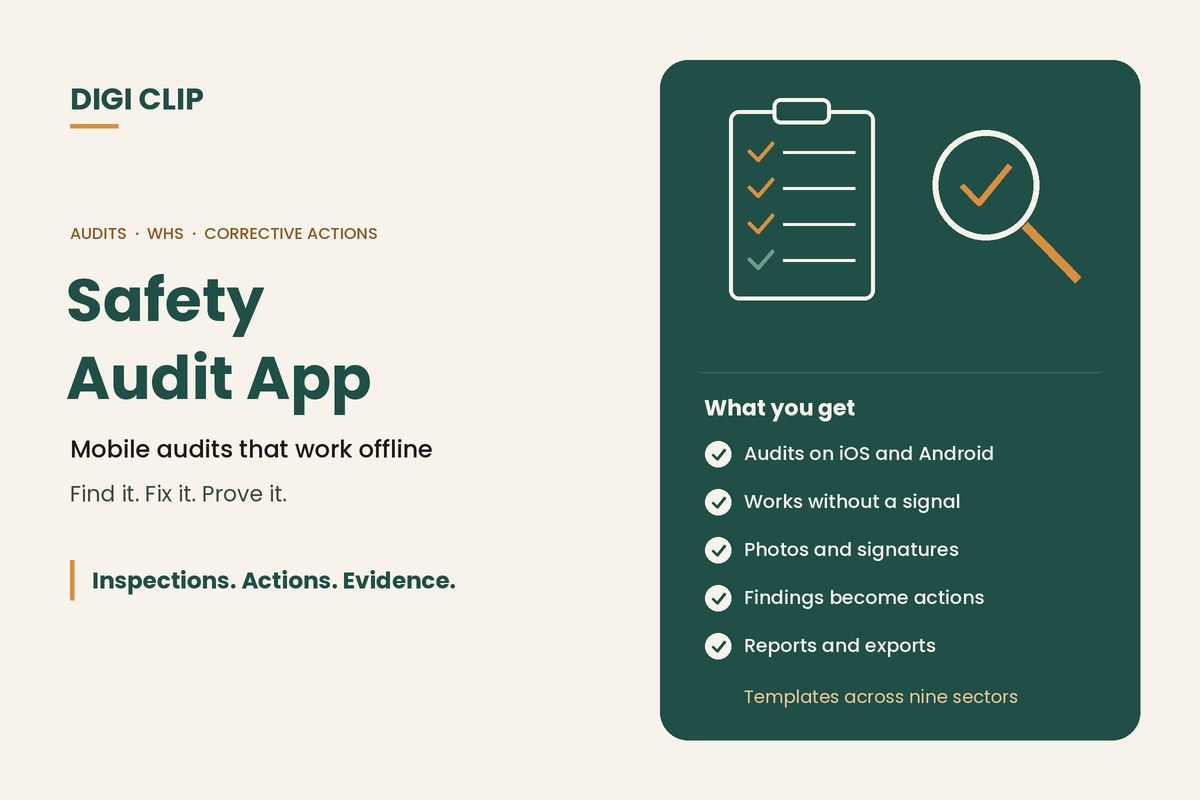
A safety audit app lets supervisors, safety advisers and managers complete audit checklists on a phone or tablet instead of paper. Findings are recorded with photos, signatures, time and location, and each non-compliance becomes an assigned corrective action, so the audit shows both what was found and what was done about it.
Safety Audit App: Mobile Audit Checklists That Work Offline and Track Corrective Actions
Most audits don’t fail on the day. They fail afterwards, when findings sit in a report nobody follows up. A safety audit app moves the checklist onto a phone, works where there’s no signal, and turns each finding into an action with an owner and a due date. This guide covers what to look for in an audit checklist app, the types of audits teams run, and how to move audits off paper.
Key points
- An audit checks that systems and procedures are being followed, not just the condition of equipment.
- Offline use matters for audits on remote sites, farms, mines and warehouses.
- Every finding should become a tracked corrective action.
- Photos, signatures, and time and location stamps make audit records easier to defend.
- Start with your most frequent audit, then add the rest.
Audits vs inspections
| Inspection | Audit | |
|---|---|---|
| Main question | Is this vehicle, machine or area in a safe condition? | Are our safety systems and procedures being followed and working? |
| Typical frequency | Daily, per shift or weekly | Monthly, quarterly or annually, plus daily supervisor audits |
| Who does it | Operators, drivers and supervisors | Supervisors, safety advisers, managers or external auditors |
| Typical output | Defects to fix | Findings, non-compliances and improvement actions |
In practice, the same app can run both, as long as it lets you build your own forms and track the actions they raise. For what to include in the audit itself, see our workplace safety audit checklist.
What to look for in a safety audit app
| Feature | Why it matters |
|---|---|
| Offline use | Audits happen in sheds, paddocks, basements and remote sites without coverage. |
| Custom audit forms | Your audit should reflect your hazards, procedures and industry, not a generic template. |
| Photos and comments | A photo of a blocked exit or missing guard is clearer than a note. |
| Signatures, time and location | Shows who completed the audit, when and where. |
| Corrective actions | Each finding needs an owner, a due date and a record of close-out. |
| Overdue follow-up | Alerts when actions slip, so findings don’t go stale. |
| Reports and exports | Audit reports for management reviews, clients and certification bodies. |
| Multi-site visibility | Compare sites and see where findings keep recurring. |
For a wider comparison of tools, see our inspection checklist app guide. If you’re comparing specific tools, see our GoAudits alternative and SafetyCulture (iAuditor) alternative pages.
Types of audits you can run on an app
- Workplace safety audits: housekeeping, emergency equipment, PPE, signage, plant and procedures.
- Daily supervisor audits: short checks of work in progress, permits, barricading and safe work practices.
- Equipment and field audits: spot checks that pre-starts are being done and defects are being reported. See our heavy equipment inspection app.
- Management system audits: internal audits against ISO 45001 or ISO 9001. See our guides to ISO 45001 and ISO 9001.
- Industry audits: food safety, chain of responsibility, agricultural safety and contractor audits.
The DIGI CLIP Form Library includes templates across nine industry sectors, including a series of agricultural safety audit forms, which you can use as they are or adapt.
Moving audits off paper
- Pick your most frequent audit. Start where paper causes the most follow-up problems.
- Build or adapt the form. Use your current audit or a Form Library template, and remove questions nobody acts on.
- Decide what triggers an action. Choose which answers create corrective actions and who receives them.
- Trial it on one site. Have one auditor use it for a few weeks and fix what doesn’t work.
- Roll out and schedule. Add auditors and set recurring audits with reminders.
- Review findings. Look for repeat findings across sites and overdue actions, and act on them.
Safety audits with DIGI CLIP
With DIGI CLIP, audits are completed on iOS and Android phones and tablets, with photos and digital signatures, and each form is location- and time-stamped. Audits can be completed without coverage and submitted with a tap once back online. A “No”, “Not OK” or “At Risk” answer creates a corrective action in the Action Log, which is tracked to close-out with evidence, and overdue actions trigger escalation emails. Recurring audits send reminders when they’re due, dashboards are included on every plan, and audit records export to PDF, Excel and CSV. Incidents and hazards found during audits can be managed in Safety Tracker.
Illustrative scenario: a finding that doesn’t get lost
A safety adviser audits a regional depot in DIGI CLIP and finds an emergency eyewash station with no recent inspection record and a blocked access path. Each finding creates an action with a photo: one for the depot supervisor to clear the path that day, and one for the maintenance lead to service the station. When the service action goes overdue, an escalation email goes to the operations manager, and both actions are closed out with photos before the next audit.
This scenario is illustrative. It shows how a business could use DIGI CLIP and is not an account of a specific customer.
Run Your Next Audit on a Phone
Put your audit checklist on your team’s phones and see findings land in the Action Log, ready to fix and prove.
Start Your 14-Day Free TrialNo credit card required. Set up in minutes.
Frequently asked questions
What is a safety audit app?
An app for completing safety audit checklists on a phone or tablet, with photos, signatures, time and location stamps, and findings turned into tracked corrective actions.
Is there a safety audit app that works offline?
Yes. In DIGI CLIP, audits can be completed without coverage, saved to the Offline Folder and submitted with a tap once the device is back online.
What is the difference between a safety audit and a safety inspection?
An inspection checks the condition of equipment or an area. An audit checks whether safety systems and procedures are being followed and are working.
Can I use my own audit checklist in an app?
Yes. In DIGI CLIP you can build your own audit forms or start from a Form Library template and adapt it.
How are audit findings followed up?
In DIGI CLIP, a failed audit item creates a corrective action in the Action Log with an owner. It is tracked to close-out with evidence, and overdue actions trigger escalation emails.
Can audit reports be exported?
Yes. DIGI CLIP audit records export to PDF, Excel and CSV, including bulk PDF exports.
About DIGI CLIP Mobile Forms
DIGI CLIP is an Australian-built mobile checklist and inspection platform. Inspections. Actions. Evidence. Teams complete checks on a phone or tablet, turn defects into assigned actions, and keep the proof that each one was fixed and verified.
See our Form Library for ready-made templates.