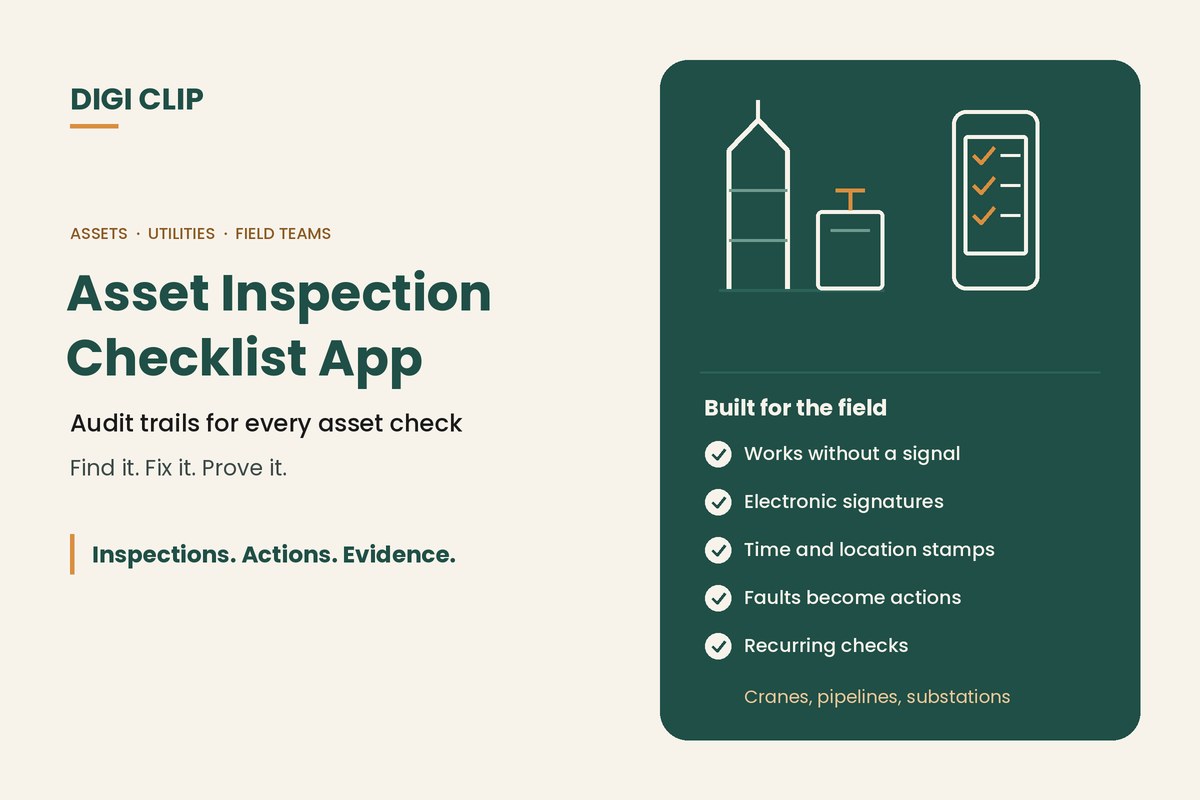
An asset inspection app lets field teams complete inspection checklists for equipment and infrastructure, such as cranes, substations, pipelines and stormwater assets, on a phone or tablet. Each inspection is recorded with photos, signatures, time and location, and faults become tracked actions, giving you an audit trail from the first check to the final repair.
Asset Inspection Apps: Checklists With Audit Trails for Cranes, Utilities, Pipelines and More
Whatever the asset, the questions after an incident or audit are the same: was it inspected, by whom, what was found, and was it fixed? This guide covers what to look for in an inspection checklist app for asset-heavy work, including offline use, electronic signatures, audit trails and multi-site use, and what to check on common assets. Inspections. Actions. Evidence.
Key points
- Remote assets need an app that works without mobile coverage.
- Electronic signatures and time and location stamps show who inspected what, and when.
- An audit trail links each fault to the action taken and the evidence it was fixed.
- One app can cover many asset types, each with its own checklist.
- Always build checklists from the relevant standards and manufacturer’s instructions.
What to look for in an asset inspection app
| Requirement | Why it matters | In DIGI CLIP |
|---|---|---|
| Offline use | Substations, pipelines and rigs are often out of coverage | Forms are completed without a signal, saved to the Offline Folder and submitted with a tap once back online |
| Electronic signature | Shows who completed and signed off each inspection | Digital signatures on every plan |
| Audit trail | Links the inspection, the fault, the action and the fix | Forms are time- and location-stamped; failed items create actions in the Action Log, with “View source” opening the original inspection |
| Photo evidence | Shows the condition of the asset and the repair | Photos captured on the device and attached to the record |
| Custom checklists | Each asset type needs its own checks | Build your own forms or start from the Form Library |
| Scheduling | Periodic inspections are easy to miss | Recurring checks with reminders when they’re due |
| Multi-site use | Managers need one view across crews and sites | Dashboards, escalation emails for overdue actions, and exports to PDF, Excel and CSV |
DIGI CLIP doesn’t include an asset register. Record the asset ID, plant number or site on each form so its inspection history can be found and exported. For a broader comparison of tools, see our inspection checklist app guide.
Cranes and lifting equipment
Crane inspections range from the operator’s pre-start to periodic inspections by a competent person. The AS 2550 series covers the safe use of cranes, hoists and winches, and some cranes must be registered as items of plant with your WHS regulator. Common pre-start and routine checks include:
- wire ropes, hooks, safety latches and sheaves
- limit switches, load moment indicators and alarms
- outriggers, pads and ground conditions
- hydraulics, leaks and structural damage
- load charts, signage and the operator’s log
A crane inspection app should capture the operator’s electronic signature, work offline on site, and stop a failed item being lost before the next lift.
Substations and transformers
Routine visual inspections by authorised personnel help catch deterioration between planned maintenance. Typical items include:
- security fencing, locks, gates and warning signs
- oil levels, leaks and the condition of bunding
- breathers, bushings, insulators and connections
- earthing, cable terminations and signs of overheating
- vegetation, vermin and water ingress
Because substation sites are often remote and access-controlled, offline completion and time and location stamps matter. See also our electrical safety inspection guide.
Cathodic protection
Cathodic protection systems protect pipelines, tanks and other buried or submerged structures from corrosion. The AS 2832 series covers cathodic protection of metals. Routine field checks commonly record:
- transformer-rectifier output readings
- structure-to-soil potential readings at test points
- the condition of test points, cables and anode beds
- damage, interference or third-party works near the asset
Numeric readings, photos and a signature on each record build the history engineers need to spot trends. Readings outside your criteria can be followed up as actions.
Stormwater assets
Stormwater inspections help prevent flooding and pollution, and are often required by council or environmental permit conditions. Typical checks cover:
- pits, grates and inlets for blockages and damage
- gross pollutant traps and oil separators, including when they were last cleaned
- outlets, swales and basins for erosion and sediment
- spill kits and signage near drains
- inspections after significant rain events
See our guide to environmental compliance inspections.
Drilling rigs
Drilling contractors, whether in mineral exploration, water bores or geotechnical work, face moving machinery, high-pressure hydraulics, dust, noise and remote sites. Common checks include:
- rig pre-starts, including guarding on rotating equipment and emergency stops
- hydraulic hoses, fittings and whip checks
- rod handling equipment and lifting gear
- ground conditions, site set-up and exclusion zones
- dust and noise controls, and personal protective equipment
See our heavy equipment inspection app for support vehicles and mobile plant.
HVAC systems
HVAC technicians and facility managers record both maintenance and site safety. Worksite reports often cover:
- safe roof access, fall protection and isolation before work
- filters, coils, belts, drains and condensate
- refrigerant handling, which in Australia requires the right licence
- cooling tower and water system maintenance, commonly in line with AS/NZS 3666
- photos of the finished work and the customer’s sign-off
Other asset guides
- Heavy equipment inspection app
- Truck pre-start checklist app
- Forklift pre-start checks
- Electrical safety inspections
- Fire safety inspection checklists
- Cold storage and warehousing
Setting up asset inspections
- List your asset types. Group assets that share the same inspection checklist.
- Build each checklist. Use the relevant standards, manufacturer’s instructions and your own incident history.
- Add an asset ID field. Record the asset number or site on every form so its history can be found.
- Set follow-up rules. Decide which answers create actions and who receives them.
- Schedule recurring checks. Set reminders for routine and periodic inspections.
- Review the records. Look for repeat faults, overdue actions and missed inspections.
Asset inspections with DIGI CLIP
With DIGI CLIP, field teams complete asset inspections on iOS and Android phones and tablets, with photos and digital signatures. Each form is location- and time-stamped. A “No”, “Not OK” or “At Risk” answer creates an action in the Action Log, which is tracked to close-out with evidence, and overdue actions trigger escalation emails. Billing is monthly with no minimum users, and incidents and hazards can be managed in Safety Tracker.
Illustrative scenario: a reading out of range
A technician completes a cathodic protection survey along a rural pipeline in DIGI CLIP, without mobile coverage. At one test point, the potential reading is outside the company’s criteria, so the answer is marked “Not OK” with a photo of the test point. Back in range, the technician submits the survey with a tap, the action goes to the corrosion engineer, and it’s closed out after the rectifier is adjusted and a follow-up reading is recorded.
This scenario is illustrative. It shows how a business could use DIGI CLIP and is not an account of a specific customer.
Put Your Asset Inspections on the Phone
Build a checklist for each asset type and see faults land in the Action Log, ready to fix and prove.
Start Your 14-Day Free TrialNo credit card required. Set up in minutes.
Frequently asked questions
What is an asset inspection app?
An app for completing inspection checklists on equipment and infrastructure on a phone or tablet, with photos, signatures, time and location stamps, and faults tracked as actions.
Can an inspection app work at remote sites without coverage?
Yes, if it supports offline use. In DIGI CLIP, forms are completed without a signal, saved to the Offline Folder and submitted with a tap once the device is back online.
Do inspection apps support electronic signatures?
Most do. In DIGI CLIP, digital signatures are included on every plan, so each inspection shows who completed and signed it off.
What is an audit trail in an inspection app?
The linked record of who inspected an asset, when and where, what was found, what action was taken and the evidence it was fixed.
Does DIGI CLIP have an asset register?
No. Record the asset ID, plant number or site on each form so the asset’s inspection history can be found and exported.
Can one app cover different types of assets?
Yes. You can set up a separate checklist for each asset type, such as cranes, substations, pipelines and vehicles, and manage them all in one account.
About DIGI CLIP Mobile Forms
DIGI CLIP is an Australian-built mobile checklist and inspection platform. Inspections. Actions. Evidence. Teams complete checks on a phone or tablet, turn defects into assigned actions, and keep the proof that each one was fixed and verified.
See our Form Library for ready-made templates.