Last updated:
A mobile forms app lets teams complete checklists, inspections and reports on a phone or tablet instead of paper. Answers, photos and signatures are captured in the field and sent to a central system, where issues can be assigned, tracked and reported on.
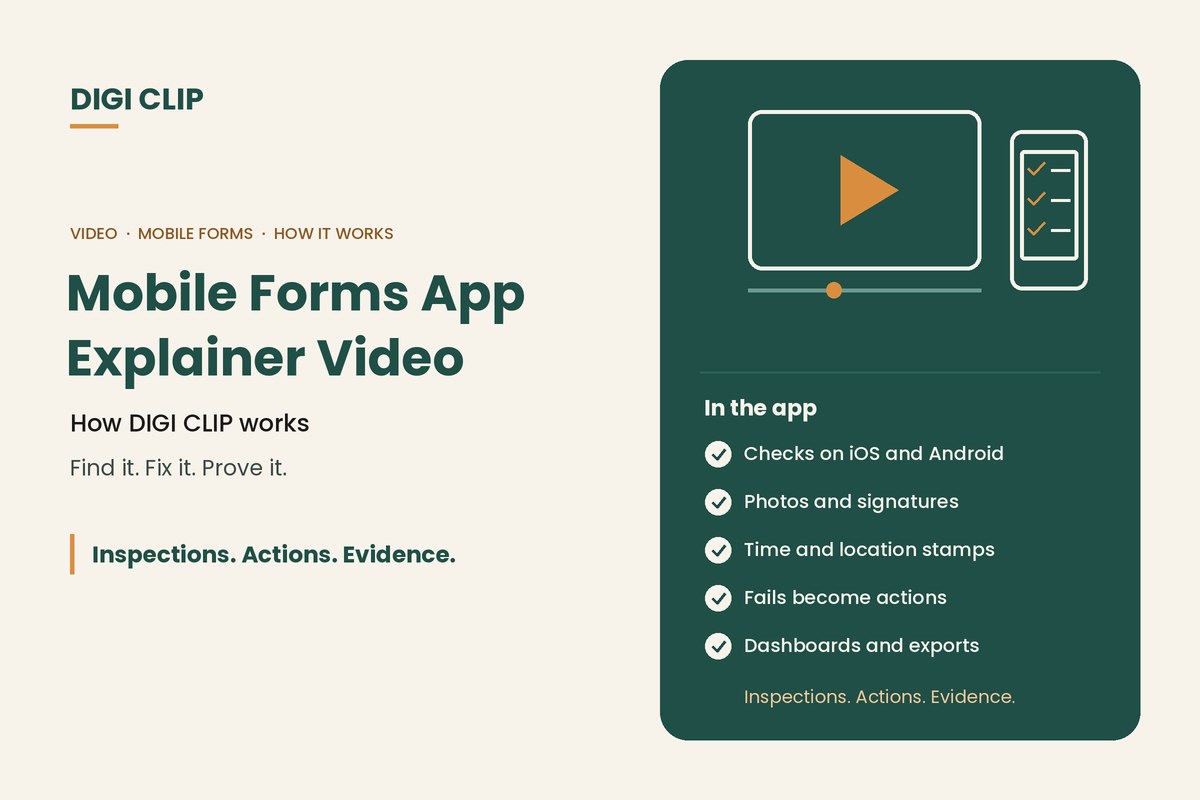
Mobile Forms App Explainer Video: How DIGI CLIP Works
Watch the short explainer video for an overview of DIGI CLIP, then read on for how a mobile forms app works day to day, what it replaces, and how to get started. Inspections. Actions. Evidence.
Key points
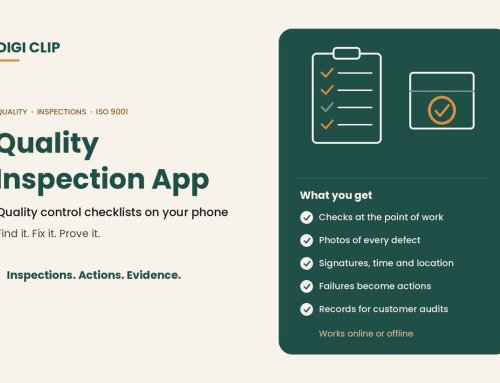
- Checks are completed on a phone or tablet, with photos and signatures.
- Each form is time-stamped and location-stamped.
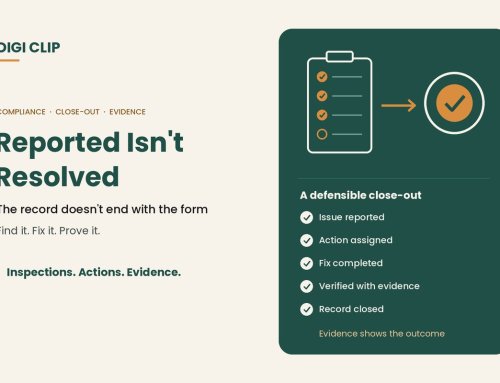
- Failed items become actions that are tracked to close-out.
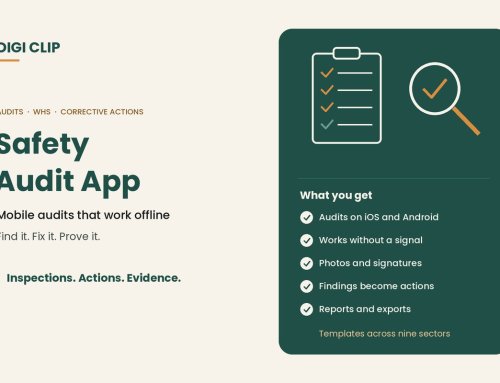
- Forms can be completed without coverage and submitted with a tap once back online.
- Records and dashboards live in one place, ready for audits and reviews.
How a mobile forms app works
| Stage | What happens in DIGI CLIP |
|---|---|
| Complete | A worker opens the form on the iOS or Android app, answers each item, adds photos and signs off. |
| Submit | The form is submitted with its time and location stamp. Without coverage, it is saved to the Offline Folder and submitted with a tap once back online. |
| Act | A “No”, “Not OK” or “At Risk” answer creates an action in the Action Log, assigned to the right person. |
| Close out | The action is fixed and closed out with evidence, using one-step or two-step close-out. Overdue actions trigger escalation emails. |
| Report | Dashboards show completed checks and open actions, and records export to PDF, Excel and CSV. |
What it replaces
- Paper checklists and books that go missing or arrive days late.
- Photos in personal camera rolls that never reach the person who needs them.
- Spreadsheets used to chase defects and hazards.
- Filing cabinets searched by hand when an auditor or client asks for records.
See what paperless safety checklists are for more.
Common uses
- Vehicle and plant pre-starts. See our truck pre-start checklist app and heavy equipment inspection app.
- Workplace, site and warehouse safety inspections.
- Hazard and incident reports, managed in Safety Tracker.
- Audits, food safety logs, cleaning records and quality checks.
Templates across nine industry sectors are available in the Form Library.
Getting started
- Start a free trial. Sign up for 14 days with no credit card.
- Choose a first form. Pick a high-frequency check, such as a pre-start or site inspection.
- Set it up. Use a template from the Form Library or build your own.
- Decide on actions. Choose which answers create actions and who receives them.
- Invite your team. Add users and have them install the app on their phones.
- Review and expand. Check the dashboard, then add more forms as the team settles in.
Why teams choose DIGI CLIP
DIGI CLIP is built for field teams in transport, logistics, construction, agriculture and other industries. Every plan includes the mobile app, photos, digital signatures, smart fields and dashboards. Billing is monthly with no minimum users, so you can add or remove users as your team changes. For help comparing tools, see our inspection checklist app guide and pricing.
Illustrative scenario: from paper book to phone
A small freight operator watches the explainer video and trials DIGI CLIP with its truck pre-starts. In the first week, a driver records a cracked mirror with a photo. The answer creates an action for the workshop, the mirror is replaced that afternoon, and the action is closed out with a photo, all visible to the operations manager without a phone call.
This scenario is illustrative. It shows how a business could use DIGI CLIP and is not an account of a specific customer.
See It Working With Your Own Checklists
Put your first checklist on your team’s phones and see issues land in the Action Log, ready to fix and prove.
Start Your 14-Day Free TrialNo credit card required. Set up in minutes.
Frequently asked questions
What is a mobile forms app?
An app that lets teams complete checklists, inspections and reports on a phone or tablet, with answers, photos and signatures sent to a central system.
What devices does DIGI CLIP work on?
DIGI CLIP has apps for iOS and Android phones and tablets.
Does DIGI CLIP work without internet access?
Yes. Forms can be completed without coverage, saved to the Offline Folder and submitted with a tap once the device is back online.
What happens when an item fails?
A “No”, “Not OK” or “At Risk” answer creates an action in the Action Log, which is assigned, tracked and closed out with evidence.
Can I use my own checklists?
Yes. You can build your own forms or start from a template in the DIGI CLIP Form Library and adapt it.
Is there a free trial?
Yes. DIGI CLIP offers a 14-day free trial with no credit card required.
About DIGI CLIP Mobile Forms
DIGI CLIP is an Australian-built mobile checklist and inspection platform. Inspections. Actions. Evidence. Teams complete checks on a phone or tablet, turn defects into assigned actions, and keep the proof that each one was fixed and verified.
See our Form Library for ready-made templates.