
A light vehicle pre-start checklist is a daily driver inspection used to confirm a work vehicle is safe, roadworthy and ready to operate before it is driven.
Light Vehicle Pre-Start Checklist: A Practical Guide to Fleet Safety and Compliance
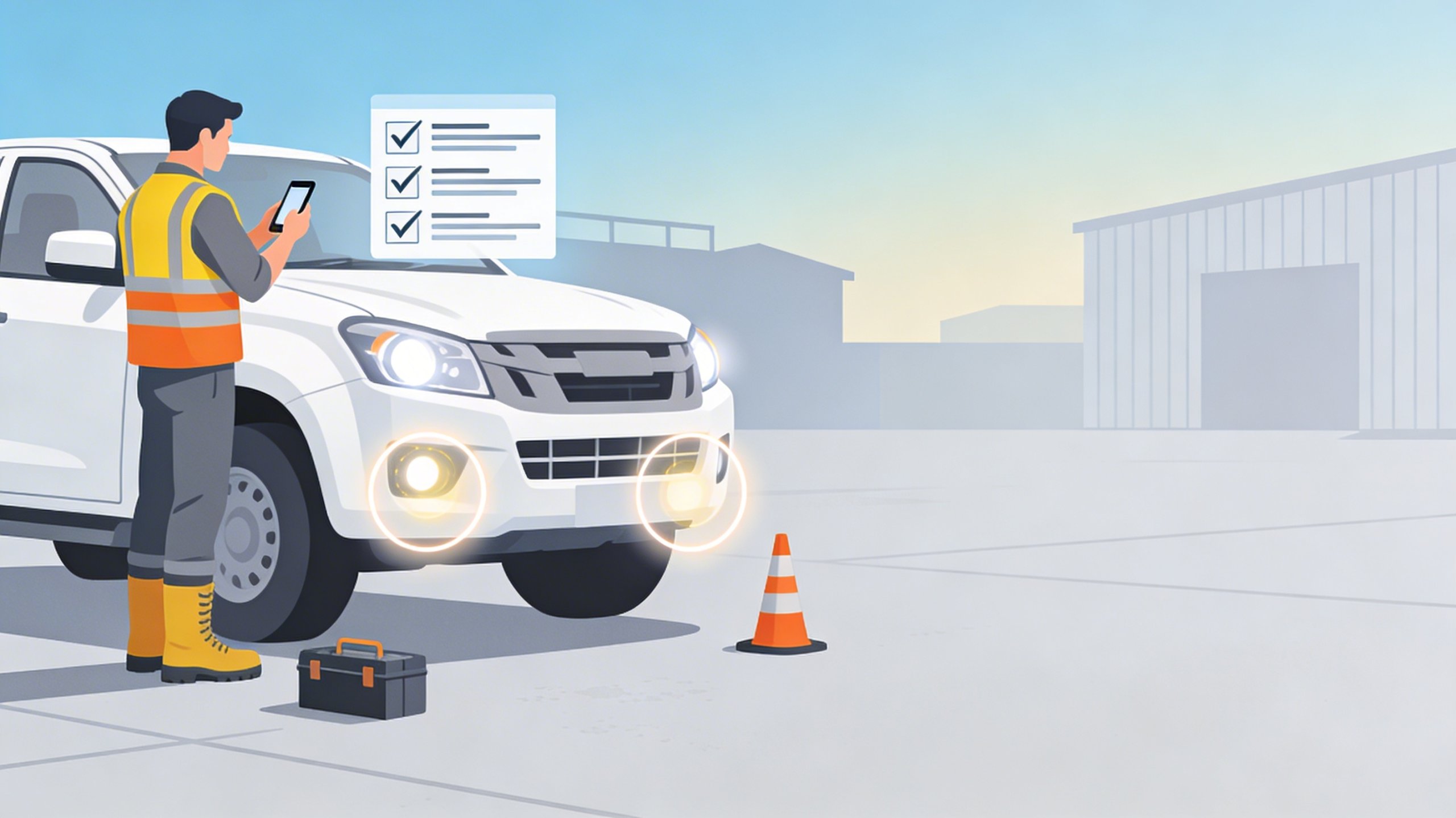
A light vehicle pre-start checklist is a daily safety inspection a driver completes before operating a work vehicle such as a ute, van or car. It verifies tyres, brakes, lights, steering, fluids and safety equipment to confirm the vehicle is roadworthy, compliant and safe to drive.
If your team drives utes, vans, cars or small fleet vehicles for work, a consistent pre-start check is one of the simplest controls you can put in place to reduce incidents, prevent breakdowns and prove you are actively managing vehicle risk. It is also one of the easiest areas to think you have covered while gaps quietly build: missed defects, incomplete paperwork, no photo evidence and no follow-up when a driver answers “No”.
In South Australia, SafeWork SA explains that vehicles used for work can be considered part of the workplace, meaning employers must manage the risks associated with vehicle use, maintenance and operation. WHS duties apply similarly across most Australian states and territories, while Victoria operates under separate OHS laws. Reference: SafeWork SA – Vehicles as a workplace.
What you’ll get from this guide
- A clear checklist structure you can standardise across your fleet
- Best-practice inspection items, including what matters and what is often missed
- A step-by-step method drivers can follow in under three minutes
- A digital vs paper comparison for audit-ready evidence
- How DIGI CLIP helps link defects to corrective actions, so nothing gets missed
On this page
Why a light vehicle pre-start checklist matters
Light vehicles are often treated as “low risk” compared with heavy vehicles, but they remain a common exposure for workplaces: commuting between sites, driving regional routes, operating near pedestrians, towing trailers and carrying tools, plant and loads. The risk is not just the vehicle. It is the entire driving task, the environment and the condition of the equipment being used.
- Defects can become incidents when they are ignored or undocumented.
- Paper checklists do not create strong accountability or close the loop.
- Audits require evidence, not “we do checks most days”.
- Supervisors need visibility across multiple vehicles and locations.
- Drivers need a quick process that fits real operations.
If you also operate heavy vehicles, pair this page with The Top 10 Items Every Truck Pre-Start Checklist Should Include. For broader workplace inspection systems and compliance workflows, see Digital Checklists for Workplace Safety.
Ready to Simplify Vehicle Checks?
Run light vehicle pre-starts on mobile, capture photo evidence and help move defects into corrective actions when configured.
Start Your 14-Day Free TrialSupported 14-day free trial. No credit card required. Set up in minutes.
What to include in a light vehicle pre-start checklist
The best light vehicle pre-start checklist is short, consistent and focused on the controls that prevent real outcomes: loss of control, loss of braking, visibility failure, tyre failure and missing safety equipment. Keep it standardised across your fleet so drivers do not interpret the inspection differently each day.
| Category | Checks | What good looks like |
|---|---|---|
| Tyres and wheels | Tread, inflation, damage, wheel nuts | No visible cuts or bulges, even wear, correct pressure and secure wheel nuts |
| Lights and visibility | Headlights, indicators, brake lights, reverse lights and mirrors | All functioning, lenses clean and uncracked, mirrors secure and adjusted |
| Brakes | Brake response, handbrake and warning lights | Firm response, no grinding or pulling, handbrake holds and no warning lights |
| Steering and suspension | Steering play, vibration and unusual noise | Consistent response, no free-play and no unusual vibration or knocks |
| Fluids and leaks | Oil, coolant, brake fluid, washer fluid and visible leaks | Within safe range, no visible leaks or puddles and no overheating signs |
| Safety equipment | First aid kit, fire extinguisher where required and warning triangle where required | Present, in date, accessible, secure and undamaged |
| General condition | Wipers, horn, seatbelts, dashboard warnings and load security | Wipers effective, belts functional, no critical warnings and loads secured |
If your vehicles operate across multiple sites, you can improve governance by combining vehicle checks with broader field inspection workflows. Start with Top Benefits of Digital Inspection Apps for Compliance and From Paper to Digital: Compliance Tools for SMBs.
How to complete a light vehicle pre-start checklist
Your process should be fast, repeatable and evidence-based. The goal is to identify and document defects before the vehicle becomes an incident. A good driver method is a simple loop: walk-around → cabin checks → under-bonnet checks where required → record → escalate.
- Walk-around inspection: check tyres, wheels, lights, mirrors, visible damage, leaks and load security.
- Cabin checks: check seatbelt, horn, wipers, dashboard warning lights, handbrake and steering feel.
- Fluid check where required: verify oil, coolant and washer fluid, and confirm there are no visible leaks.
- Confirm safety equipment: make sure the first aid kit and any site-required emergency equipment is present and accessible.
- Record defects immediately: if the answer is “No”, add a clear comment and photo evidence where relevant.
- Escalate before driving: if roadworthiness or safety is affected, do not operate the vehicle until it is assessed.
In DIGI CLIP, “No” responses can require a comment and photo so the record is more credible and audit-ready. Defects can then feed into an action workflow through your central register. See the Action Register and linked corrective actions.
Digital vs paper: what auditors and managers actually need
Paper checklists create the illusion of control, but they rarely produce high-quality evidence: incomplete forms, missing signatures, no photos and no demonstrated follow-up. Digital checklists shift vehicle checks from “tick and forget” to document, prove, track and close.
| Paper process | Digital process using DIGI CLIP |
|---|---|
| Manual filing that can be hard to retrieve | Searchable records with easier retrieval |
| No photo evidence | Photo capture for defects and condition proof |
| Forms can go missing | Time-stamped submissions with a consistent structure |
| No reliable follow-up process | Defects can trigger workflows and corrective actions when configured |
| Low management visibility | Greater oversight across multiple vehicles and locations |
If you are replacing Excel or paper systems, see Migrate from Excel to Digital Checklists.
Case study: better defect capture and faster close-out
In one DIGI CLIP deployment, a regional operations team running a mixed fleet of 42 light vehicles moved from paper pre-starts to digital inspections. Their core problem was not a lack of checklists. It was inconsistent follow-up and weak evidence quality.
After the switch, the team reported:
- Around 37% fewer missed vehicle defects, with maintenance findings measured against inspection records
- Around 22% faster corrective-action close-out, driven by clearer accountability and less chasing
- Audit-ready inspection history across vehicles, sites and operators
The operational shift was simple: “No” answers required context, including a comment and photo where relevant, and high-risk defects could create actions when configured. That is the difference between a checklist that merely exists and a checklist that actually supports risk control.
Want This Outcome in Your Fleet?
Digitise vehicle pre-starts, capture evidence and track defects to completion.
Start Your 14-Day Free TrialSupported 14-day free trial. No credit card required. Set up in minutes.
Recommended DIGI CLIP templates and related guides
- Digital Vehicle Inspection Checklists for Logistics
- Industry-Specific Digital Checklists
- Top Benefits of Digital Inspection Apps for Compliance
- From Paper to Digital: Compliance Tools for SMBs
- Action Register
About DIGI CLIP Mobile Forms
DIGI CLIP is a mobile checklist and inspection app that simplifies safety, compliance and operational reporting. Built for transport, warehousing, agriculture and construction, it replaces paper inspections with digital accountability.
Built-in photo capture, alerts, geo-time stamping and an integrated action workflow help ensure defects are recorded, escalated and closed out rather than forgotten in a folder.
Learn more about DIGI CLIP mobile forms or view DIGI CLIP pricing.
Frequently asked questions
Is a light vehicle pre-start checklist legally required in Australia?
WHS laws require employers to manage the risks associated with workplace vehicles. While the exact format varies by organisation, a documented pre-start checklist is a practical way to demonstrate risk management and ongoing maintenance oversight.
How long should light vehicle pre-start checklist records be kept?
Retention depends on your industry and risk profile, but many organisations keep inspection records for at least two to five years to support audits, maintenance history and incident investigations. Digital storage makes retention and retrieval far easier.
Can a light vehicle pre-start checklist be completed digitally?
Yes. Digital checklists improve consistency, support photo evidence and can trigger corrective actions when a driver records a defect and the workflow is configured. This is particularly valuable for multi-site fleets and compliance reporting.
Who should complete the light vehicle pre-start checklist?
The driver operating the vehicle should complete the pre-start before use. That keeps accountability clear and ensures defects are identified at the point of operation.
What happens if a defect is found during the pre-start?
If the defect affects safety or roadworthiness, the vehicle should not be operated until it is assessed and controlled. Digital workflows help by logging the defect, capturing evidence and assigning a corrective action to the right person when configured.
What is the biggest reason paper vehicle checks fail?
Paper checklists do not reliably create evidence or follow-up. Missing photos, vague notes, lost sheets and no corrective-action tracking are common failure points. Digital checklists help close the loop.
Conclusion: make light vehicle checks credible, consistent and trackable
A consistent light vehicle pre-start checklist reduces risk, prevents breakdowns and strengthens compliance by proving the vehicle’s condition was checked before use. When you digitise the process, your inspection becomes more than a tick. It becomes an evidence trail with accountability and follow-through.
Replace Paper Vehicle Checks with a Digital System That Supports Compliance
Mobile inspections, photo evidence, alerts and tracked corrective actions in one practical platform.
Start Your 14-Day Free TrialSupported 14-day free trial. No credit card required. Set up in minutes.