Last updated:
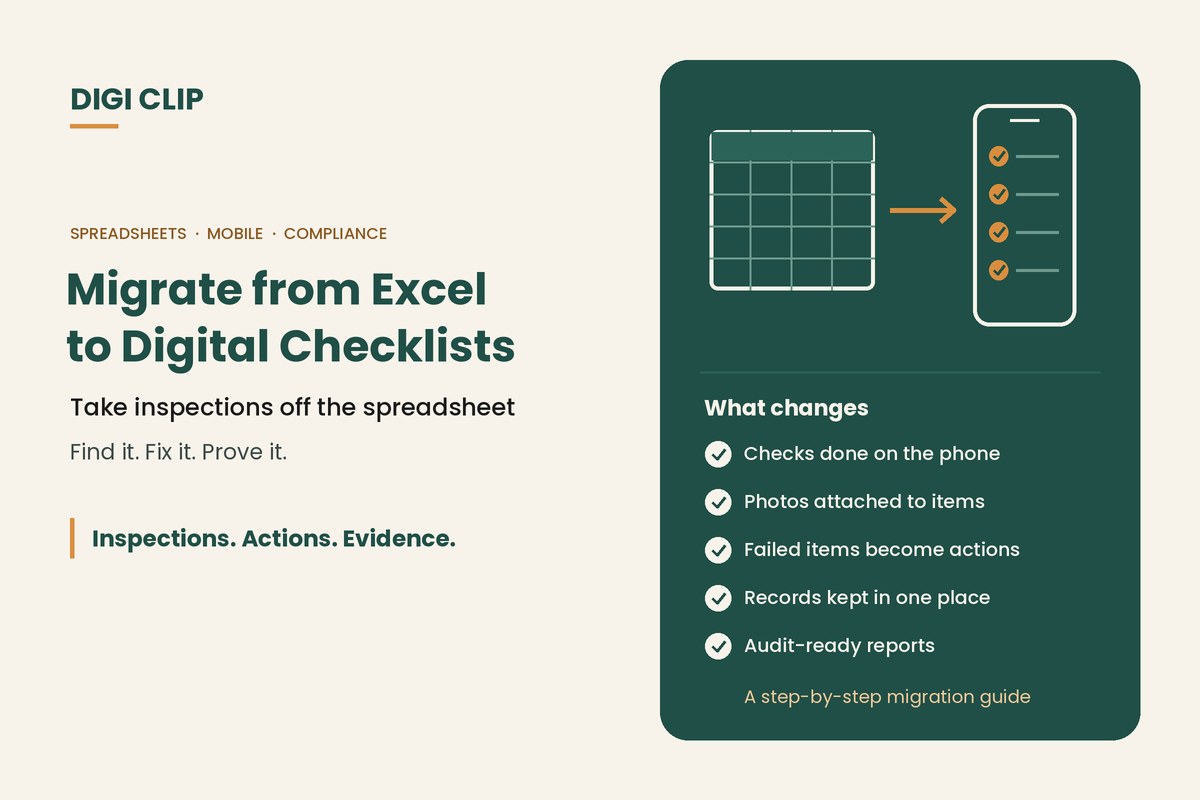
Migrating from Excel to digital checklists replaces spreadsheet-based inspections with mobile, automated workflows that capture photo evidence, track corrective actions, and create audit-ready compliance records in real time.
Migrate from Excel to Digital Checklists: Streamline Workflows and Strengthen Compliance
If you still rely on spreadsheets for inspections, compliance tracking or safety reporting, it may be time to migrate from Excel to digital checklists. While Excel is flexible, it was never designed for mobile inspections, real-time defect tracking, or compliance-grade audit trails.
Under frameworks like ISO 9001 and ISO 45001, organisations must demonstrate traceable records and corrective action management. Spreadsheet inspections often fall short of these requirements due to version control issues, manual processes and inconsistent documentation.
WHS and audit defensibility: Australian WHS guidance emphasises the importance of keeping safety records to meet legal requirements and monitor performance (see SafeWork SA’s guidance on keeping WHS records). Safe Work Australia’s Code of Practice also notes that there are specific record-keeping requirements in WHS regulations for certain hazards.
Research consistently shows that the majority of spreadsheets contain errors — a risk that compounds when spreadsheets are used for safety and compliance inspections where accuracy directly affects audit outcomes (MyWorkpapers).
Research consistently shows that the majority of spreadsheets contain errors — a risk that compounds when spreadsheets are used for safety and compliance inspections where accuracy directly affects audit outcomes (MyWorkpapers).
Why Excel Falls Short for Compliance
Excel spreadsheets are powerful for calculations, but they introduce risk when used as inspection or compliance tools.
- No built-in photo evidence capture
- Manual email distribution of inspection files
- No automated defect escalation
- Limited mobile usability in field environments
- Weak audit trail integrity
In high-risk industries like transport, warehousing and construction, spreadsheet inspections create blind spots. Without automated tracking, corrective actions can be missed or delayed.
Benefits When You Migrate from Excel to Digital Checklists
- Mobile-first inspections with offline capability
- Photo and timestamp evidence
- Automated corrective action tracking
- Centralised dashboard visibility
- Secure cloud storage
- Real-time reporting and alerts
Unlike spreadsheet inspections, digital checklist systems create structured workflows that improve accountability and compliance consistency.
Excel vs Digital Checklist Software: Side-by-Side Comparison
| Feature | Excel | DIGI CLIP Digital Checklists |
|---|---|---|
| Mobile Offline Access | No | Yes |
| Photo Evidence Capture | No | Yes |
| Automated Alerts | No | Yes |
| Corrective Action Log | Manual | Automated |
| Audit Trail | Limited | Comprehensive |
Ready to Replace Spreadsheets?
Move beyond manual inspection tracking and gain real-time compliance visibility.
Start Your 14-Day Free TrialSupported 14-day free trial. No credit card required. Set up in minutes.
How to Migrate from Excel to Digital Checklists
- Identify your existing spreadsheet inspection forms
- Standardise checklist structure and response types
- Build templates in a mobile checklist platform
- Enable automated defect logic and action workflows
- Train staff on mobile submission and reporting
How long migration takes depends on how many spreadsheets you have and how complex your forms are. Starting with one or two high-use checklists lets you test the process with your team before moving the rest across.
Simplify Compliance Today
Replace Excel files with automated, audit-ready digital workflows.
Start Your 14-Day Free TrialFrequently Asked Questions
Why migrate from Excel to digital checklists?
Digital systems automate inspections, improve accountability, and create defensible audit records.
Can digital checklists replace spreadsheets entirely?
Yes. Most inspection and compliance processes are better suited to structured mobile workflows than spreadsheets.
Is Excel suitable for compliance tracking?
Excel lacks automated defect tracking and strong audit trails, making it risky for compliance-heavy industries.
Conclusion: It’s Time to Migrate from Excel to Digital Checklists
Spreadsheets served their purpose. But modern compliance and operational demands require automation, accountability and visibility. When you migrate from Excel to digital checklists, you cut out manual tracking, reduce reporting errors, and strengthen audit confidence.
Outgrowing spreadsheets or generic form builders? See how DIGI CLIP works as a JotForm alternative for safety inspections.
Start Your Free Trial Today
Start Your 14-Day Free Trial