Last updated:
Machine guarding is the use of physical barriers and safety devices to stop people contacting the dangerous moving parts of machinery, such as gears, belts, blades, rollers, presses and shafts. Guards can be fixed, interlocked or adjustable, and are often combined with devices like light curtains, two-hand controls and emergency stops.
Machine Guarding: Types of Guards and How to Keep Them Working
Caught-in and crush injuries from machinery are some of the most serious workplace injuries, and many happen when a guard is missing, bypassed or removed for cleaning or clearing a jam. Good guarding stops access to danger points, and good checks make sure guards stay in place. This guide covers the WHS requirements, types of guards, what to check and how to keep guarding working day to day.
Key points
- WHS regulations set a preferred order for types of guarding.
- Permanent fixed guards are the first choice where access isn’t needed.
- Interlocked guards stop the machine when opened.
- Guards removed for maintenance need isolation first.
- Regular checks catch guards that are missing, damaged or bypassed.
What WHS law expects
Under the WHS regulations, where guarding is used to control risks from plant, businesses must use the preferred type of guard, in order:
- a permanently fixed physical barrier
- an interlocked physical barrier, if access to the area is needed during operation, maintenance or cleaning
- a physical barrier that can only be removed with a tool, if neither of the above is reasonably practicable
- a presence-sensing safeguarding system, if a physical barrier isn’t reasonably practicable
Guards must be hard to bypass, suitable for the plant and maintained. Safe Work Australia’s model Code of Practice on managing the risks of plant in the workplace and the AS/NZS 4024 series give further guidance. Check with your state or territory regulator for the rules that apply to you.
Types of guards and devices
| Type | How it works | Example |
|---|---|---|
| Fixed guard | Permanently attached, needs a tool to remove | Belt and pulley covers |
| Interlocked guard | Stops the machine when opened | Access doors on packaging machines |
| Adjustable guard | Adjusted to suit the work piece | Bandsaw blade guard |
| Presence-sensing device | Stops the machine when someone enters a zone | Light curtains, pressure mats |
| Two-hand control | Keeps both hands away from the danger point | Press controls |
| Emergency stop | Stops the machine in an emergency | Mushroom-head buttons, pull cords |
What to check
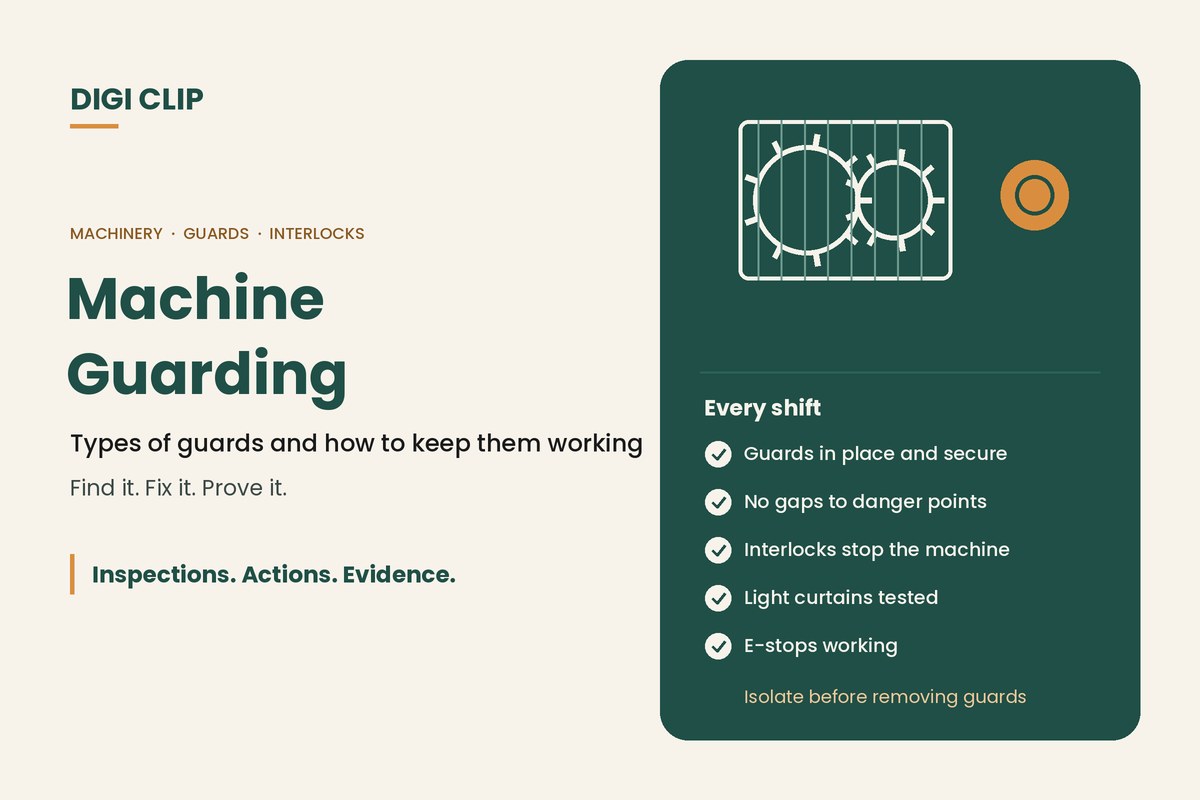
- All guards in place, secure and undamaged
- No gaps that allow a hand or fingers to reach danger points
- Interlocks stop the machine when guards are opened
- Light curtains and presence-sensing devices tested and working
- Emergency stops tested, reachable and clearly marked
- No signs of bypassing, such as tape, wedges or tied-back switches
Keeping guarding effective
- Identify danger points. Walk each machine and list nip points, cutting, crushing and entanglement hazards.
- Choose the right guard. Follow the preferred order, starting with permanently fixed guards.
- Make guards hard to bypass. Use security fixings and interlocks that can’t be easily defeated.
- Isolate before removing guards. Use a verified isolation procedure for maintenance, cleaning and clearing jams.
- Check guards every shift. Include guards and safety devices in operator pre-starts.
- Act on problems. Take machines out of service until missing or faulty guards are fixed.
Guarding checks on the phone
With DIGI CLIP, operators check guards, interlocks and emergency stops on a phone as part of their pre-start, with photos. Each form is location- and time-stamped. A missing or faulty guard creates an action in the Action Log, so maintenance fixes it and closes it out with evidence before the machine runs again.
Illustrative scenario: a bypassed interlock
During a supervisor’s walk-through at a timber mill, she finds an access door interlock taped down so the conveyor keeps running when the door is open. She stops the machine, fails the item in DIGI CLIP with a photo, and the conveyor is tagged out. Maintenance replaces the faulty switch that had led operators to bypass it, and the action is closed out with a photo and test result.
This scenario is illustrative. It shows how a business could use DIGI CLIP and is not an account of a specific customer.
See also our guides to LOTOTO isolation and manufacturing maintenance checklists.
Keep Guards in Place, Every Shift
Put guarding checks on your operators’ phones and see problems land in the Action Log, ready to fix and prove.
Start Your 14-Day Free TrialNo credit card required. Set up in minutes.
Frequently asked questions
What is machine guarding?
The use of physical barriers and safety devices to stop people contacting dangerous moving parts of machinery, such as gears, belts, blades, rollers and presses.
What is the preferred order of guarding under WHS regulations?
A permanently fixed physical barrier, then an interlocked physical barrier where access is needed, then a physical barrier removable only with a tool, then a presence-sensing safeguarding system.
What is an interlocked guard?
A guard connected to the machine’s controls so the machine stops, or can’t start, when the guard is opened.
Can guards be removed for cleaning or maintenance?
Only after the plant has been isolated using a verified isolation procedure, so it can’t start while the guard is off. Guards must be refitted before the plant is used again.
How often should machine guards be checked?
Every shift as part of the operator’s pre-start, plus regular detailed inspections and testing of interlocks and presence-sensing devices.
Can guarding checks be recorded on a phone?
Yes. In DIGI CLIP, guarding checks are completed on a phone with photos, and missing or faulty guards become actions in the Action Log.
About DIGI CLIP Mobile Forms
DIGI CLIP is an Australian-built mobile checklist and inspection platform. Inspections. Actions. Evidence. Teams complete checks on a phone or tablet, turn defects into assigned actions, and keep the proof that each one was fixed and verified.
See our Form Library for ready-made templates.