Last updated:
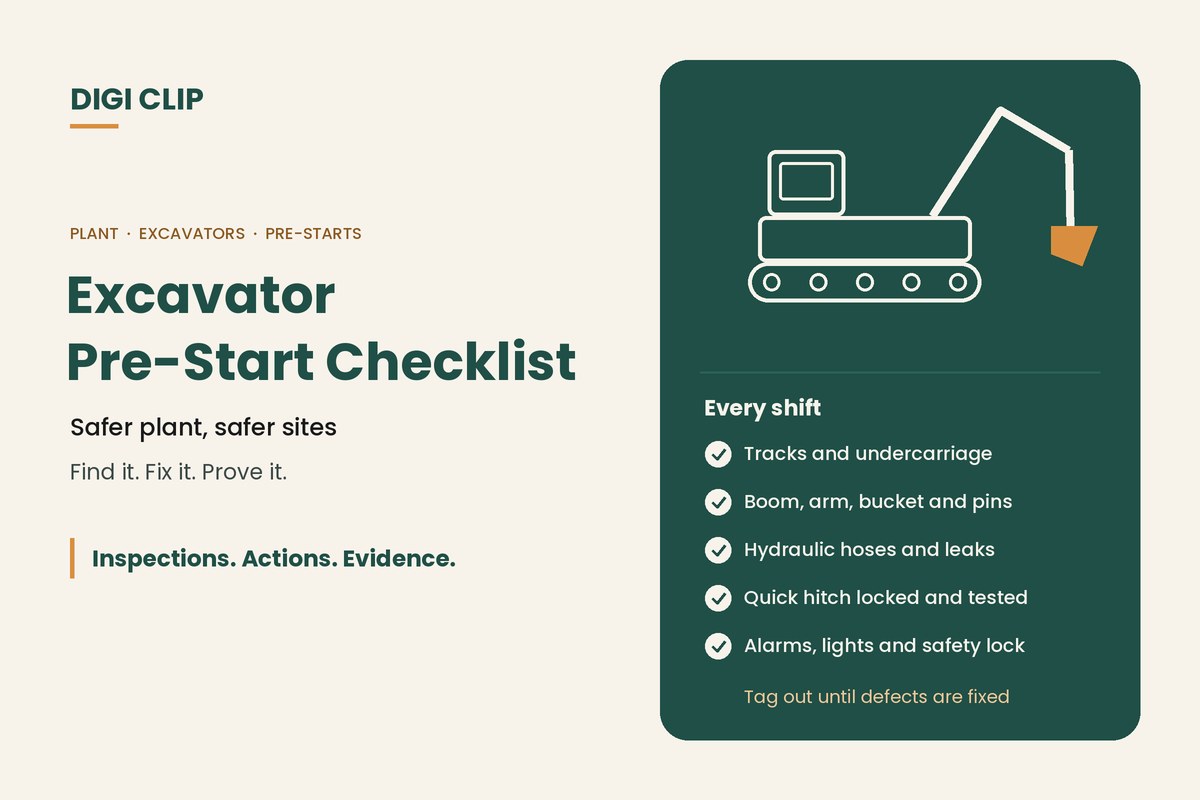
An excavator pre-start checklist is the check an operator completes before using an excavator each shift: a walk-around of the tracks, undercarriage, boom, arm, bucket and quick hitch, fluid levels and leaks, then in-cab checks of controls, gauges, alarms and safety devices. Faults found are recorded, and the machine isn’t used until safety defects are fixed.
Excavator Pre-Start Checklist: Safer Plant, Safer Sites
Excavators work close to people, services, trenches and other plant. A failed hydraulic hose, a quick hitch that isn’t locked, or a reversing alarm that doesn’t sound can cause serious harm. A short, consistent pre-start catches these problems before the machine starts work. This guide covers what to check, the quick hitch in detail, and how to keep pre-start records.
Key points
- Complete a pre-start before each shift and after any damage.
- Check the quick hitch is locked and test it before digging.
- Look for hydraulic leaks, damaged hoses and worn pins and bushes.
- Test alarms, lights, seatbelt and safety interlocks from the cab.
- Tag out machines with safety defects until they’re repaired.
Walk-around checks
| Area | What to check |
|---|---|
| Tracks and undercarriage | Track tension, damaged or missing pads, rollers and idlers, built-up mud or debris |
| Boom, arm and bucket | Cracks, damaged welds, worn teeth and cutting edges, pins and bushes secure and greased |
| Hydraulics | Hoses and fittings free of leaks, chafing or bulges; cylinders undamaged |
| Fluids | Engine oil, coolant, hydraulic oil and fuel at correct levels, no leaks under the machine |
| Access | Steps, handrails and walkways secure and clean |
| Guarding and panels | Guards and covers in place, windows and mirrors intact |
Quick hitch checks
Quick hitches make changing attachments faster, but an attachment that isn’t properly locked can fall without warning. Before using the excavator:
- Check the hitch, locking mechanism and any safety pin for damage
- Confirm the attachment is fully engaged and locked, following the manufacturer’s instructions
- Test the lock by pushing the attachment against the ground or curling it before digging
- Confirm warning devices for the hitch, where fitted, are working
- Keep people well clear of the bucket during attachment changes
In-cab checks
- Seatbelt and seat condition
- Controls and isolation lever (safety lock) working
- Gauges and warning lights normal after start-up
- Horn, travel and slew alarms working
- Lights and beacons working
- Rated capacity chart present where lifting with the excavator
- Fire extinguisher present and charged
Running the pre-start
- Walk around the machine. Check tracks, structure, hydraulics, fluids and access.
- Check the quick hitch. Inspect the hitch and confirm the attachment is locked.
- Start up and check the cab. Confirm gauges, alarms, lights, controls and the safety lock work.
- Test functions. Operate the boom, arm, bucket, slew and travel slowly in a clear area.
- Record the result. Note defects with photos and sign off the pre-start.
- Tag out if unsafe. Don’t use the machine until safety defects are repaired.
Excavator pre-starts on the phone
With DIGI CLIP, operators complete excavator pre-starts on a phone, even without coverage, with photos of any defects. Each form is location- and time-stamped. A failed item creates an action in the Action Log, so the fitter sees it straight away and the repair is closed out with evidence. Managers can see pre-starts across every machine and site. If you're choosing software, our guide to inspection checklist apps covers offline use, audit trails and evaluation criteria.
Illustrative scenario: a worn bucket pin
During her pre-start on a civil site, an operator notices excessive play in the bucket pin. She fails the item in DIGI CLIP with a photo, and the excavator is tagged out. The fitter replaces the pin and bush that morning, and the action is closed out with a photo before the machine goes back to work.
This scenario is illustrative. It shows how a business could use DIGI CLIP and is not an account of a specific customer.
See also our heavy equipment inspection app and our guide to daily plant equipment safety checks.
Put Excavator Pre-Starts on the Phone
Run plant pre-starts on your operators’ phones and see defects land in the Action Log, ready to fix and prove.
Start Your 14-Day Free TrialNo credit card required. Set up in minutes.
Frequently asked questions
What should an excavator pre-start checklist include?
Tracks and undercarriage, boom, arm and bucket, hydraulics, fluids, access, guarding, the quick hitch, and in-cab checks of the seatbelt, controls, safety lock, gauges, alarms, lights and fire extinguisher.
How often should an excavator pre-start be done?
Before each shift, and again after any damage, repair or change of operator where required by the site.
How do I check a quick hitch is locked?
Follow the manufacturer’s instructions to engage the lock, check any safety pin is fitted, then test the attachment by pushing it against the ground or curling it before digging. Keep people clear during attachment changes.
What should happen if a pre-start finds a defect?
Record it with a photo. If it affects safety, tag the machine out of service until it is repaired, then close out the defect with evidence of the repair.
Who should complete the excavator pre-start?
The operator who will use the machine that shift. They should be trained and competent in the pre-start and in operating the excavator.
Can excavator pre-starts be done on a phone?
Yes. In DIGI CLIP, operators complete pre-starts on a phone with photos, even without coverage, and failed items become actions in the Action Log.
About DIGI CLIP Mobile Forms
DIGI CLIP is an Australian-built mobile checklist and inspection platform. Inspections. Actions. Evidence. Teams complete checks on a phone or tablet, turn defects into assigned actions, and keep the proof that each one was fixed and verified.
See our Form Library for ready-made templates.