Last updated:
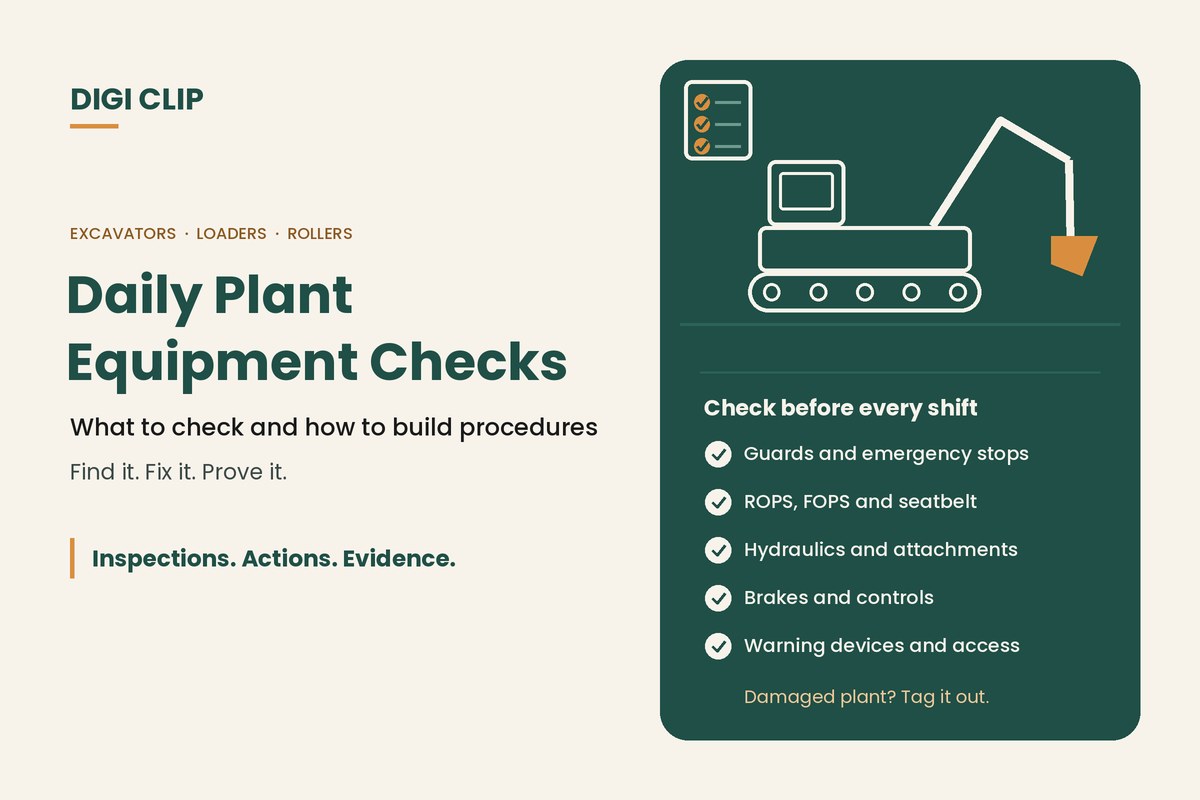
Daily plant equipment safety checks are the pre-use inspections an operator completes before using plant such as excavators, loaders, rollers, telehandlers or fixed machinery. They confirm guards, controls, safety devices and key components are in working order, so damaged or faulty plant is taken out of service before it hurts someone.
Daily Plant Equipment Safety Checks: What to Check and How to Build Plant Safety Procedures
Plant is behind some of the most serious injuries on Australian worksites: people crushed by mobile plant, limbs caught in unguarded moving parts, and falls while getting on and off machines. A daily check doesn’t replace servicing, but it catches the damage and faults that build up between services. This guide covers what to check each day, what to do when plant fails, and how to turn your checks into plant safety procedures your whole team follows.
Key points
- Check plant before each shift, following the manufacturer’s instructions for that machine.
- Focus on the items that protect people: guards, emergency stops, ROPS and seatbelts, brakes, warning devices and safe access.
- Plant with damage that poses a risk should be withdrawn from service until the risk is controlled.
- Written plant safety procedures turn good checks into a consistent habit across crews and sites.
- Record checks, defects and repairs for each machine.
Why daily plant checks matter
The Code of Practice for managing the risks of plant lists the kinds of harm plant can cause, including limbs caught in unguarded moving parts, people crushed by mobile plant, falls while accessing or operating plant, electric shock, burns and hearing loss. Under the model WHS Regulations, a business must manage the risks of plant, keep it maintained and inspected by a competent person, and make sure guards, operator controls, emergency stops and warning devices are in place and working.
A daily check by the operator is the practical way to confirm those controls are still working before the machine is used. It also gives you an early warning of wear and damage before it becomes a breakdown.
Daily plant safety checklist
Adjust this list to the manufacturer’s instructions for each machine. For most mobile plant, check:
- Walk-around: no obvious damage, cracks or loose components, and nothing caught in the machine
- Leaks and fluids: engine oil, coolant, hydraulic oil and fuel at the right levels, with no fresh leaks
- Tyres or tracks: no cuts or damage, tyres inflated, tracks tensioned and undamaged
- Hydraulics: hoses and fittings not rubbing, cracked or weeping, and cylinders undamaged
- Attachments: buckets, forks and tools secure, with locking pins and quick hitches correctly engaged
- Guards: fitted, secure and undamaged
- ROPS, FOPS and seatbelt: the protective structure is undamaged and the seatbelt works
- Access: steps, handrails and grab handles secure, clean and free of mud or oil
- Controls: clearly labelled, working smoothly and returning to neutral
- Brakes and steering: service and park brakes hold, steering responds normally
- Emergency stops and isolators: working and easy to reach
- Warning devices: horn, lights, beacon, reversing alarm and cameras working
- Safety equipment: fire extinguisher charged and secure, operator’s manual on board
For fixed machinery such as saws, presses or conveyors, focus on guards and interlocks, emergency stops, isolation points, the condition of cords and plugs, and a clean, clear work area.
How to complete a daily plant check
- Make it safe to check. Park on level ground away from traffic, lower attachments to the ground, apply the park brake and switch off before you start.
- Do the walk-around. Walk the same route every time, checking for damage, leaks, tyres or tracks, hydraulics, attachments and guards.
- Check fluids. Check levels following the manufacturer’s instructions, with the machine cool where required.
- Check the cab and access. Check steps and handrails, ROPS and FOPS, the seatbelt, mirrors, cameras and the fire extinguisher.
- Start up and test. Start the machine, check gauges and warning lights, and test brakes, steering, controls, the emergency stop and warning devices.
- Record and report. Complete the checklist, photograph any defect and report it. If the fault creates a risk, don’t use the machine: tag it out.
Checks for common types of plant
- Excavators: quick hitch locking, bucket teeth and adapters, slew ring and tracks. See our excavator pre-start guide or download the excavator checklist (PDF).
- Rollers and compactors: drum scrapers, vibration controls and the operator presence system. Download the roller compactor checklist (PDF).
- Graders: blade and circle, articulation joint and tyres. Download the grader checklist (PDF).
- Forklifts: forks, mast and chains, and LPG or battery checks. See our forklift pre-start checklist.
When plant fails its check
The Code of Practice says plant with damage that poses a risk should be withdrawn from service until those risks have been controlled. In practice:
- Stop, and don’t use the machine if the fault creates a risk.
- Remove the key, isolate if needed, and tag the machine out of service.
- Record the defect with a photo and report it to your supervisor or maintenance provider.
- Have the repair done by a competent person, then record it and sign the machine back into service.
If maintenance involves isolating energy sources, follow your isolation procedure. See our guide to lock out, tag out.
Building plant safety procedures
A daily check works best as part of a written plant safety procedure, sometimes called a safe work procedure or safe operating procedure. A good procedure for each type of plant covers:
- Who can operate it: required licences, training and authorisation
- Pre-use checks: the checklist for that machine and what stops it being used
- Start-up and operation: safe start-up, exclusion zones, working near people and other plant
- Shutdown and parking: how to leave the machine in a safe state
- Isolation for cleaning or maintenance: how to isolate energy and prevent unexpected start-up
- Emergencies: what to do in a rollover, fire, hydraulic failure or injury
To put procedures in place across your business:
- Start with a plant register listing each machine, its location and its inspection and service intervals.
- Assess the risks for each type of plant with the people who use it.
- Write procedures with operators, using the manufacturer’s instructions, so they reflect how the work is really done.
- Train and assess operators on the procedure and the checklist.
- Review regularly, and after any incident, near miss or change to the plant or the work.
Records worth keeping
The Code of Practice recommends keeping an up-to-date register of plant that needs regular inspection. Alongside it, keep:
- Completed daily checks, with the operator, machine and date
- Defects, with photos, and the repairs that fixed them
- Service and inspection records from competent persons
- Training and authorisation records for operators
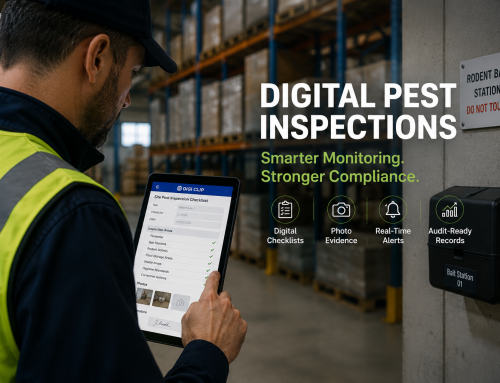
With DIGI CLIP, operators complete daily plant checks on a phone or tablet, including where there’s no coverage, and add photos to failed items. Failed items flow into the Action Log, where they are assigned, tracked and closed out with evidence, building a history for each machine. See our heavy equipment inspection app guide for how to roll it out.
Illustrative scenario: a damaged guard on a conveyor
During the morning check at a quarry, an operator finds a guard on a conveyor tail pulley cracked and partly detached. He fails the item in DIGI CLIP with a photo and isolates and tags the conveyor. The maintenance supervisor sees the action straight away, a fitter replaces the guard before the next shift, and the action is closed out with a photo of the new guard.
This scenario is illustrative. It shows how a business could use DIGI CLIP and is not an account of a specific customer.
Want a starting point? See our plant pre-start checklist and plant machinery maintenance checklist.
If you're choosing software, our guide to inspection checklist apps covers offline use, audit trails and evaluation criteria.
Take Your Plant Checks Digital
Put daily plant checks on every operator’s phone and see defects land in the Action Log, ready to fix and prove.
Start Your 14-Day Free TrialNo credit card required. Set up in minutes.
Frequently asked questions
What are daily plant equipment safety checks?
Daily plant equipment safety checks are the pre-use inspections an operator completes before using plant such as excavators, loaders, rollers, telehandlers or fixed machinery. They confirm guards, controls, safety devices and key components are in working order, so damaged or faulty plant is taken out of service before it hurts someone.
Who should do daily plant checks?
Usually the operator who is about to use the plant, following the checklist for that machine. Maintenance, inspections and testing should be carried out by a competent person, following the manufacturer’s recommendations.
What should happen if plant fails its daily check?
If the fault creates a risk, don’t use the plant. Tag it out of service, record the defect with a photo and report it. It should only return to service once a competent person has repaired it and the repair has been recorded.
What is a plant safety procedure?
A written procedure for a type of plant that covers who can operate it, pre-use checks, safe start-up and operation, shutdown and parking, isolation for cleaning or maintenance, and what to do in an emergency.
Do we need to keep records of plant checks?
The Code of Practice recommends keeping an up-to-date register of plant that needs regular inspection. Keeping daily checks, defects, repairs and service records for each machine shows how plant risks are being managed.
Can daily plant checks be done on a phone?
Yes. Many businesses use digital checklists. In DIGI CLIP, operators complete checks on a phone or tablet, even without coverage, attach photos and failed items flow to the Action Log.
About DIGI CLIP Mobile Forms
DIGI CLIP is an Australian-built mobile checklist and inspection platform. Inspections. Actions. Evidence. Teams complete checks on a phone or tablet, turn defects into assigned actions, and keep the proof that each one was fixed and verified.
See our Form Library for ready-made templates.