
Find it. Fix it. Prove it. is how DIGI CLIP approaches inspections: find the problem during the check, fix it through an assigned and tracked action, and prove it with the inspection, evidence and close-out record kept together.

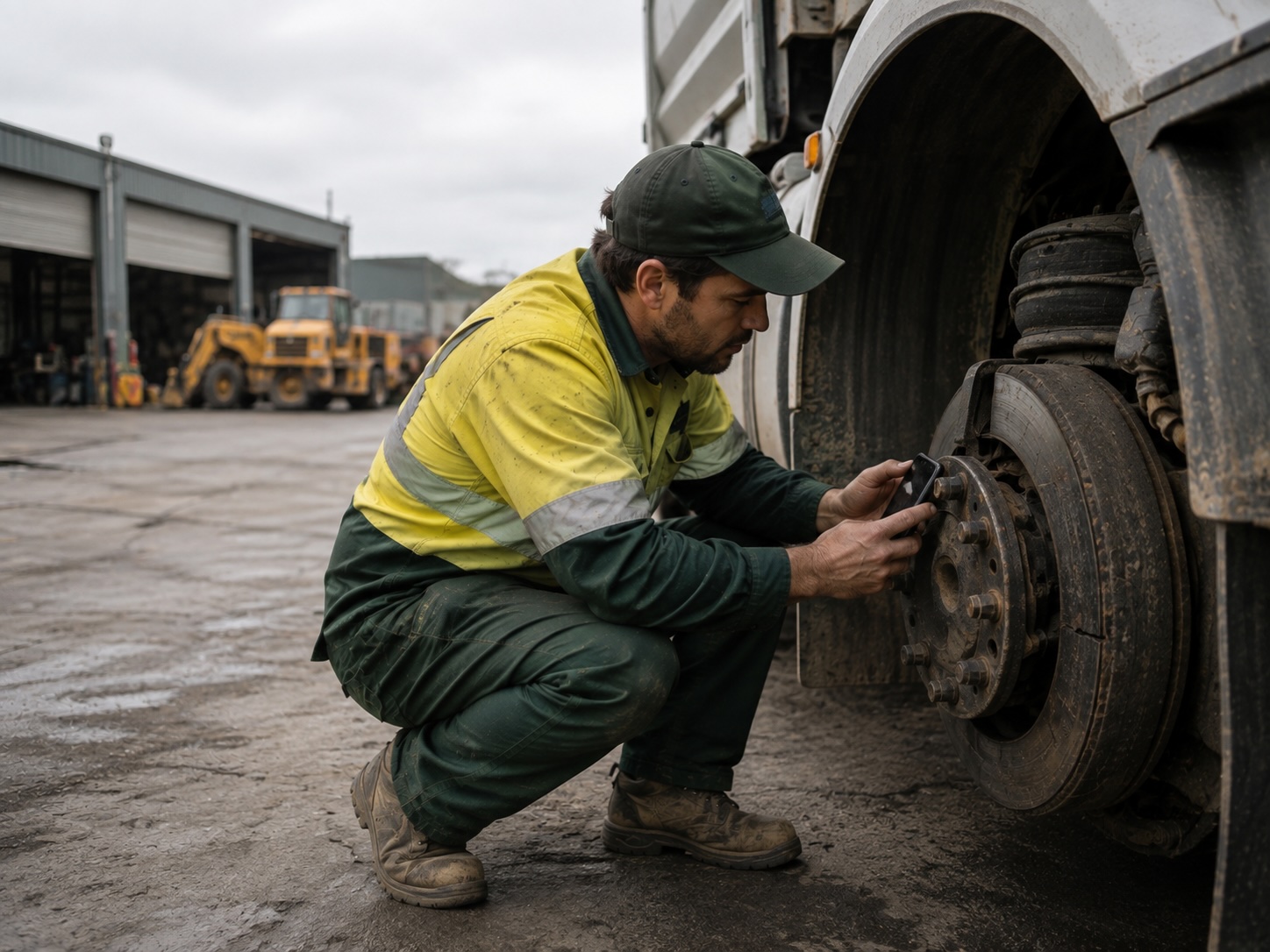
Find it
Mobile checklists, pre-starts and audits that prompt for the detail behind every failed item — not just a bare “no”.
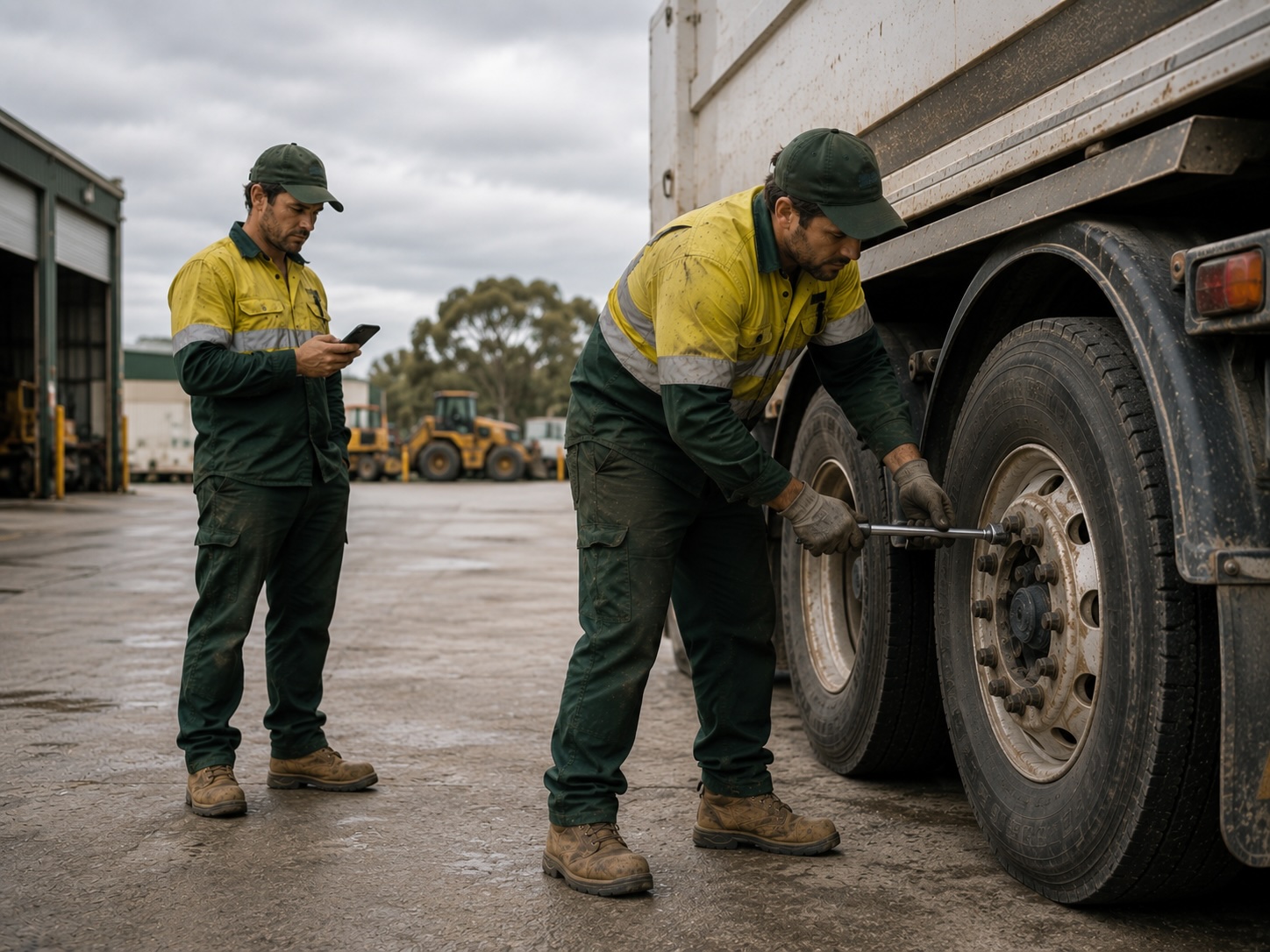
Fix it
A failed inspection item shouldn’t disappear into a completed form. Turn it into an accountable action and track it to close-out.

Prove it
Keep the inspection, evidence and corrective-action history together — so you can show what was found, what happened next and when it was resolved.
Built for
From our founder
“I built DIGI CLIP after watching too many good inspections go to waste — a fault found, written down, and then forgotten. The checklist got done. Nothing else did.
Find it. Fix it. Prove it. isn’t a slogan we came up with in a meeting. It’s how the job should actually work: spot the problem, make sure someone deals with it, and keep the record to show you did.
That’s what we’ve built.”
— Michael Harvey, Founder, DIGI CLIP
Frequently asked questions
What does “Find it. Fix it. Prove it.” mean?
It is how DIGI CLIP approaches inspections. Find the problem during the check, fix it by turning it into an assigned action with an owner and a due date, and prove it by keeping the inspection, evidence and close-out record together.
How does DIGI CLIP help get faults fixed?
When an inspection item fails, DIGI CLIP creates an action in the Action Log with an owner and a due date. Overdue actions trigger alert emails, and each action is closed out with a record of the fix.
What records does DIGI CLIP keep?
DIGI CLIP keeps the completed inspection, photos and comments, the corrective action and the close-out linked together. Records can be searched and exported to PDF or Excel.
Can I try DIGI CLIP for free?
Yes. Every new account starts with a 14-day free trial, and no credit card is required.