Last updated:
A workplace safety audit is a structured review of how well a business manages work health and safety. It checks whether policies, procedures, training, inspections and corrective actions are in place and working, and compares them against legal requirements and good practice, rather than just looking for hazards on the day.
Workplace Safety Audit Checklist: How to Audit Your Safety System
An inspection tells you whether a work area is safe today. An audit tells you whether your safety system will keep it safe tomorrow. This guide covers what a workplace safety audit is, what to include in your audit checklist, how to run an audit step by step, how to handle audits across multiple sites, and how to make sure findings lead to real change.
Key points
- An audit checks the whole safety system, not just physical hazards.
- Audit against your legal duties, your own procedures and, if you use one, a standard such as ISO 45001.
- Look for evidence: records, training, completed inspections and closed-out actions.
- Every finding needs an owner, a due date and a verified fix.
- For multiple sites, use the same checklist everywhere so results can be compared.
Why safety audits matter
Under the model Work Health and Safety laws, a business must manage risks so far as is reasonably practicable and keep control measures effective. Officers, such as directors and senior managers, must exercise due diligence to make sure the business has appropriate resources and processes and is using them. An audit is one of the clearest ways to check that this is actually happening.
Audits also pick up the slow drift that inspections miss: procedures nobody follows, training that has lapsed, inspections that are done but never acted on, or actions that stay open for months.
Types of safety audit
- Internal audits: run by your own trained staff, often on a yearly cycle or by topic through the year.
- External audits: run by an independent auditor, client or certification body.
- Compliance audits: focused on a specific law, regulation or client requirement.
- Management system audits: against a standard such as ISO 45001, the international standard for occupational health and safety management systems, which is also adopted in Australia as AS/NZS ISO 45001.
Workplace safety audit checklist
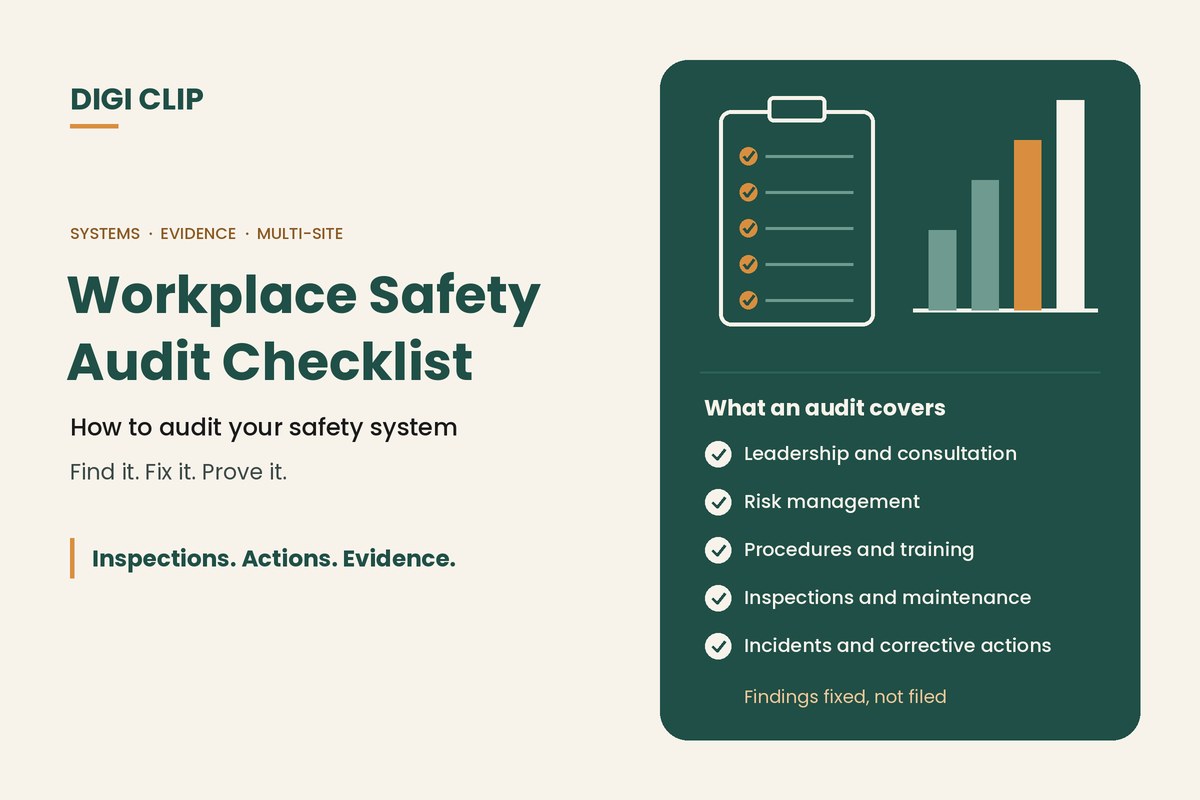
Tailor the checklist to your business and risks. Most audits cover these areas:
Leadership and policy
- A current WHS policy, signed and communicated
- Clear safety roles and responsibilities, including for officers
- Safety objectives, with resources to meet them
Consultation
- Arrangements for consulting workers, such as HSRs or a WHS committee
- Evidence that consultation happens and feedback is acted on
Hazard identification and risk management
- A risk register or risk assessments for key hazards and tasks
- Control measures chosen using the hierarchy of controls
- Controls reviewed when they fail, when things change or when new hazards are found
Procedures and training
- Safe work procedures for high-risk tasks, current and workable
- Induction, training and licence records up to date
- Contractor management, including inductions and checks
Inspections and maintenance
- Scheduled workplace inspections completed
- Plant and equipment pre-start checks and maintenance records
- Testing and tagging, fire equipment and first aid checks current
Incidents and corrective actions
- Incidents and near misses reported and investigated
- Corrective actions assigned, completed on time and verified
- Notifiable incidents reported to the regulator where required
Emergency preparedness
- Emergency plans current, and drills held and reviewed
- Exits, alarms, extinguishers and first aid in order
How to conduct a safety audit
- Set the scope. Decide which sites, activities and requirements the audit covers, and what you are auditing against.
- Prepare. Build or update the audit checklist, and review previous audits, incidents and open actions.
- Gather evidence. Review records, observe work, and talk to workers, supervisors and HSRs. Check that what is written down matches what happens.
- Record findings. For each item, record whether it meets the requirement, with evidence such as photos, document references and notes.
- Report. Summarise strengths, findings and their risk level, and present them to management.
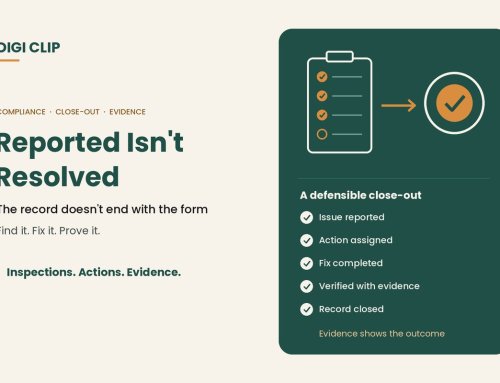
- Act and verify. Turn each finding into an action with an owner and due date, and verify it is closed before the next audit.
Auditing across multiple sites
Multi-site businesses face an extra challenge: every site does things slightly differently, and results end up spread across spreadsheets and inboxes. To make multi-site audits work:
- Use one checklist for all sites, with site-specific sections only where needed, so results can be compared.
- Keep results in one place, so managers can see every site’s findings and open actions without chasing files.
- Compare sites to spot common problems that need a business-wide fix rather than a local one.
- Share what works from your best-performing sites.
From findings to actions
The most common audit finding is that actions from the last audit were never closed. To break that cycle:
- Give each finding a named owner and a due date based on risk.
- Require evidence, such as a photo, document or record, before an action is closed.
- Escalate overdue actions to management.
- Check previous findings at the start of every audit.
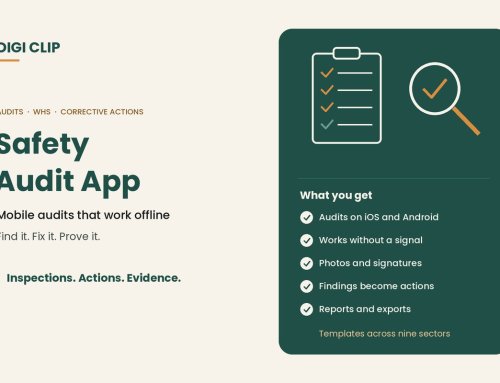
With DIGI CLIP, auditors complete audit checklists on a phone or tablet, even without coverage, and add photos, comments and signatures. Each form is location- and time-stamped. Findings flow into the Action Log, where they are assigned, tracked and closed out with evidence, and overdue actions are escalated by email. Results from every site sit in one place.
Illustrative scenario: training records that didn’t match
During an internal audit at a regional depot, the auditor finds three forklift operators whose licence records aren’t on file. She records the finding in DIGI CLIP and raises an action for the depot manager. The manager confirms the licences, uploads copies and closes out the action. Comparing results across depots, the auditor sees the same gap at two other sites and raises a business-wide action to fix the induction process.
This scenario is illustrative. It shows how a business could use DIGI CLIP and is not an account of a specific customer.
For day-to-day checks, see our guide to workplace safety inspections. For risk assessments, see understanding workplace risk assessments.
See our guide to choosing an inspection app for a feature-by-feature checklist. Incidents, hazards and investigations can be managed alongside inspections in Safety Tracker.
To run this audit on a phone, see our safety audit app guide.
Close Out Every Audit Finding
Run audits on a phone or tablet and see every finding land in the Action Log, ready to fix and prove.
Start Your 14-Day Free TrialNo credit card required. Set up in minutes.
Frequently asked questions
What is a workplace safety audit?
A workplace safety audit is a structured review of how well a business manages work health and safety. It checks whether policies, procedures, training, inspections and corrective actions are in place and working, and compares them against legal requirements and good practice, rather than just looking for hazards on the day.
How often should a workplace safety audit be done?
Many businesses audit their safety system yearly, or audit different topics through the year. Higher-risk operations, businesses going through change or those certified to a standard such as ISO 45001 may audit more often.
Who can carry out a safety audit?
Internal audits can be done by trained staff who are independent of the area being audited. External audits are done by independent auditors, clients or certification bodies.
What should a safety audit checklist include?
Leadership and policy, consultation, hazard identification and risk management, procedures and training, inspections and maintenance, incidents and corrective actions, and emergency preparedness, tailored to your business and risks.
What is the difference between a safety audit and a safety inspection?
An audit reviews how well the whole safety management system works, usually on a yearly or set cycle. An inspection checks physical conditions, equipment and work practices in an area, usually much more often.
How do you audit safety across multiple sites?
Use the same checklist at every site, keep all results and actions in one system, compare sites to spot common problems, and share what works from your best-performing sites.
About DIGI CLIP Mobile Forms
DIGI CLIP is an Australian-built mobile checklist and inspection platform. Inspections. Actions. Evidence. Teams complete checks on a phone or tablet, turn defects into assigned actions, and keep the proof that each one was fixed and verified.
See our Form Library for ready-made templates.