
HVNL Prosecution: What It Means for Operators (and How DIGI CLIP Helps)
If an HVNL prosecution lands in your inbox, it’s rarely about one mistake—it’s about systems, evidence, and whether you took “reasonably practicable” steps under Chain of Responsibility. This guide breaks down the practical lessons from NHVR case learnings and shows how to hard-wire compliance with digital checklists, real-time evidence, and a central Action Register.
- NHVR publishes regular case learnings with practical controls and lessons.
- CoR places a primary duty on all relevant parties in the supply chain—far beyond the driver.
- Common risk themes: scheduling pressure, fatigue, speeding, licensing checks, and reporting of infringement notices.
- Digital checklists with geo-time stamps, photos, and signatures create audit-ready, tamper-resistant evidence.
- Close the loop: use an Action Register to assign, track, and verify corrective actions.
Why HVNL prosecutions happen
Under the Chain of Responsibility (CoR), parties across the transport supply chain must ensure—so far as is reasonably practicable—the safety of their transport activities. When systems are weak, evidence is patchy, or risk controls are missing, incidents and breaches can lead to investigation and, ultimately, prosecution under the Heavy Vehicle National Law (HVNL).
NHVR’s prosecutions & case learnings highlight recurring gaps: unsafe scheduling, inadequate fatigue assurance, failure to monitor speeding, poor driver licensing verification, and weak processes for reporting infringement notices. These aren’t “paper” issues—they’re operational and cultural.
Key lessons from NHVR case learnings
- Scheduling controls: Verify that trip times are realistic against speed limits, loading delays, mandated rest, and route hazards.
- Fatigue assurance: Check work/rest records and rosters; monitor for patterns that indicate pressure or non-compliance.
- Speed management: Review telematics and infringement data; investigate and close-out patterns promptly.
- Driver competency & licensing: Maintain current licence and induction records; re-verify after incidents or role changes.
- Incident & notice reporting: Require drivers to report infringement notices immediately; capture and action the event.
- Maintenance & daily checks: Ensure daily vehicle checks occur and defects are actioned via a formal register.
- Evidence trail: If it’s not recorded, it didn’t happen; secure, time-stamped, attributable records are essential in audits and court.
Reasonably practicable controls you can apply today
Use this comparison to stress-test your current approach and spot easy wins.
| Risk Area | Common Gap | Practical Control |
|---|---|---|
| Scheduling | Trip times assume perfect conditions | Build buffers for rest, loading, congestion; record scheduler review & approval |
| Fatigue | Rosters not cross-checked to work/rest rules | Roster checks + fatigue declaration in pre-start; random spot checks |
| Speed | Infringements handled informally | Telematics review SOP; corrective coaching; repeat trend escalation |
| Driver Licensing | Out-of-date or unverified records | Automate reminders; re-verify at set intervals and post-incident |
| Infringement Reporting | Drivers delay or forget to report | Mandatory form step; policy requires ASAP reporting with manager sign-off |
| Daily Checks | Tick-and-flick on paper | Digital checklists with photos, asset IDs, geo-time stamps, and defect workflow |
| Action Close-out | Open defects linger | Action Register with owners, due dates, reminders, and proof-of-fix |
How DIGI CLIP hard-wires CoR compliance
1) Digital pre-starts & daily checks (vehicles, trailers, plant)
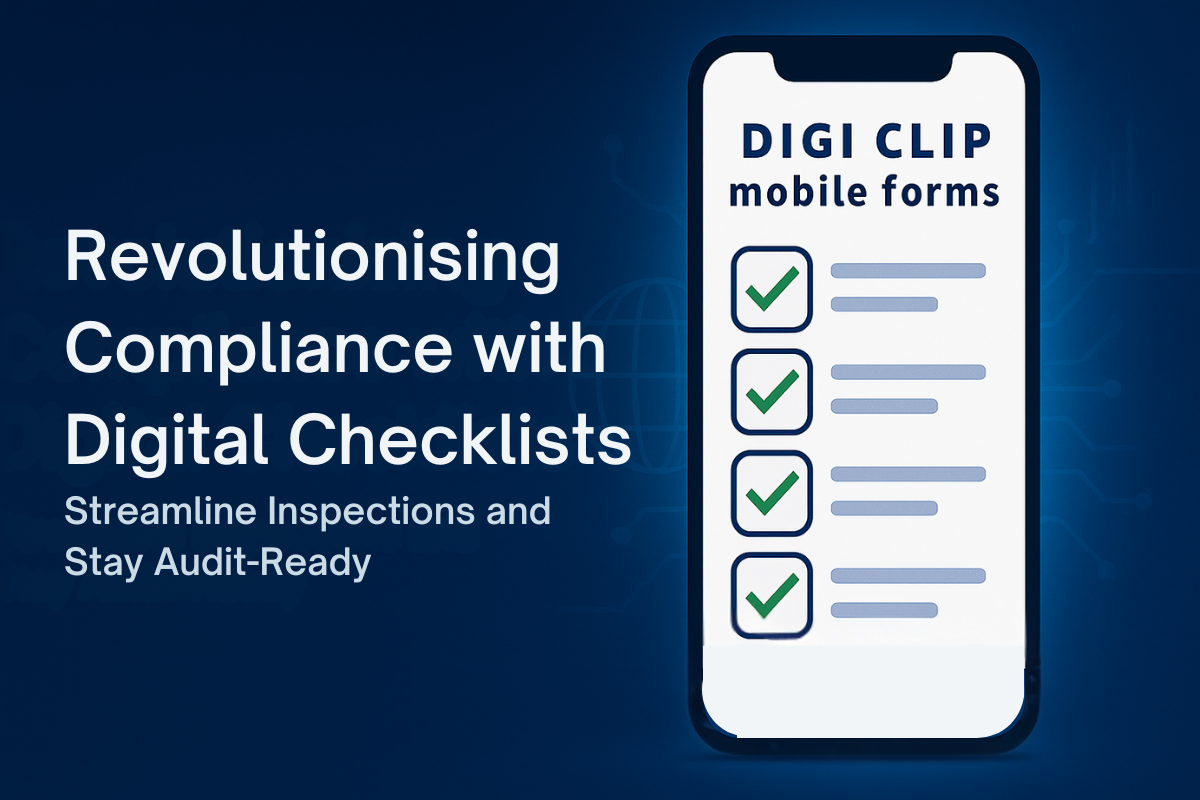
- Mobile-first forms with mandatory fields, photos, signatures, geo-time stamping, and asset IDs.
- Built-in fitness for work prompts and policy acknowledgements.
- Evidence-rich PDFs for auditors and insurers.
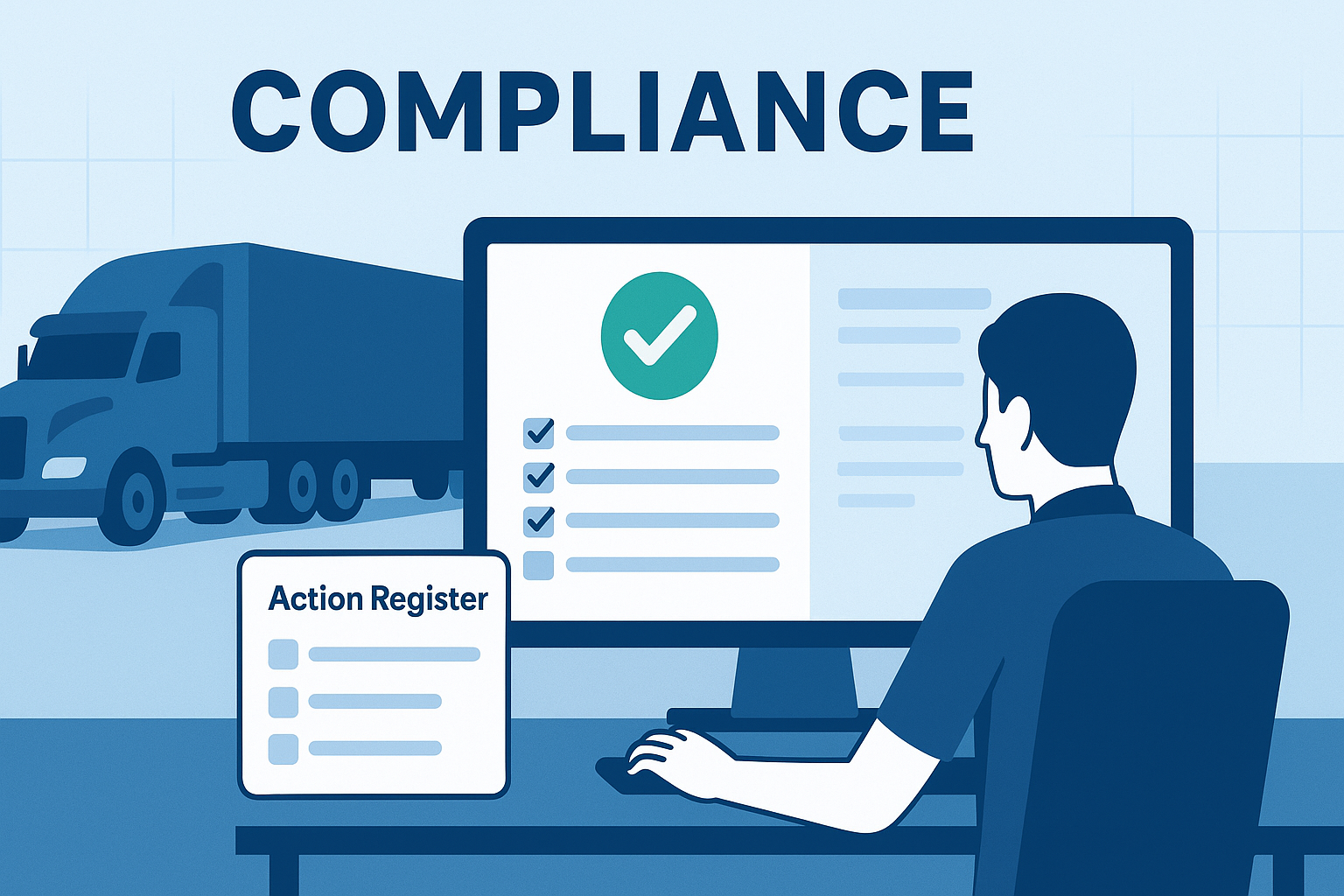
2) Defect to Action Register—no double handling
- Defects convert to trackable actions with owners, due dates, and alerts.
- Attach repair photos and documentation; verify close-out before returning to service.
3) Audit-ready reporting
- Searchable records by asset, driver, location, or incident.
- CSV/Excel and PDF exports for management review, investigations, and board reporting.
Related reading:
- Enhancing Compliance Audits with Digital Tools
- Digital Vehicle Inspection Checklists for Logistics
- From Paper to Digital: Compliance Tools for SMBs
- Digital Checklists for Workplace Safety
How to translate case learnings into your SOPs
- Map duties: Identify your CoR parties and who “owns” each control (scheduling, fatigue, speed, licensing, daily checks).
- Pick your checklists: Standardise pre-starts, coupling/uncoupling, site arrivals, incident reporting, and infringement notice reporting.
- Make controls visible: Embed policy prompts in forms (e.g., fatigue declaration, infringement reporting acknowledgement).
- Close the loop: Pipe defects and risks into your Action Register; assign owners and due dates.
- Prove it: Schedule monthly reviews; export reports and retain evidence for audits or investigations.
FAQs
What is an HVNL prosecution?
An HVNL prosecution occurs when alleged breaches of the Heavy Vehicle National Law proceed to court. NHVR publishes public statements and case learnings outlining facts, duties, and practical controls.
Who is responsible under Chain of Responsibility (CoR)?
CoR extends beyond the driver to schedulers, consignors/consignees, loaders/unloaders, operators, and others—any party whose actions (or inaction) can influence safety outcomes.
Do I really need daily vehicle checks?
Yes—daily checks are a recognised control for identifying defects and maintaining roadworthiness. Use digital evidence and an Action Register to verify close-out before returning assets to service.
How does DIGI CLIP help in audits or investigations?
DIGI CLIP captures who did what, when and where (user identity, time/date, location, photos, signatures), then centralises corrective actions—making your evidence trail fast to retrieve and hard to dispute.
Can we include infringement notice reporting in our forms?
Absolutely. Add a reporting form for drivers to declare and upload infringement notices. Route the record to a manager and create a corrective action automatically.
Do forms work offline?
Yes. When offline, submissions are stored securely on the device and can be uploaded once connectivity is restored.
About DIGI CLIP Mobile Forms
DIGI CLIP is a mobile checklist and inspection app that simplifies safety, compliance, and operational reporting. Designed for industries like transport, warehousing, agriculture, and construction, DIGI CLIP replaces paper forms with real-time digital checklists. Built-in photo capture, automated alerts, geo-time stamping, and an Action Register ensure nothing gets missed.
Why try DIGI CLIP? Because safety actions don’t count if you can’t prove them. Start your free trial—no credit card needed—and see how simple compliance can be.
Conclusion: Turn HVNL prosecution risk into a compliance advantage
NHVR’s case learnings make one point crystal clear: prosecutions often follow weak systems and poor evidence. By embedding practical controls in digital workflows—pre-starts, infringement reporting, fatigue checks, and a robust Action Register—you create a defensible evidence trail that stands up in audits and court. If you’re ready to reduce risk and lift performance, DIGI CLIP is the fastest way to hard-wire compliance.
Authoritative resources:
• NHVR – Prosecutions & Case Learnings
• NHVR – Chain of Responsibility (CoR)
• NHVR – Creating Heavy Vehicle Daily Checks
• Example case PDF – Case Learnings (Feb 2023)
If you liked this post? Why not share it!



Leave A Comment