Last updated:
A pre-start checklist book is a paper booklet kept in a vehicle or machine, where the operator ticks off daily checks before use. A digital pre-start checklist does the same job on a phone or tablet, but adds photos, time and location stamps, and automatic follow-up of any defects found.
Pre-Start Checklist Books vs Digital Pre-Starts: Which Works Better?
Pre-start books have been the standard for decades. They’re cheap, simple and familiar. But anyone who has flicked through one knows the problems: ticks all the way down, pages filled in after the fact, and defects written down that nobody in the workshop ever sees. This guide compares paper pre-start books with digital pre-starts, honestly, so you can decide what suits your fleet or plant.
Key points
- Paper books are cheap and simple, but defects often go no further than the page.
- Digital pre-starts send defects straight to the people who fix them.
- Photos, time and location stamps make checks harder to fake and easier to prove.
- Digital records are searchable, which helps with audits and incident investigations.
- The best system is the one drivers and operators actually use properly.
Paper books vs digital pre-starts
| Paper book | Digital pre-start | |
|---|---|---|
| Cost to start | Low | Subscription, uses existing phones |
| Defect reporting | Written in the book, relies on someone reading it | Creates an action for the workshop straight away |
| Evidence | Ticks and a signature | Photos, signatures, time and location stamps |
| Visibility | Only when the book comes back | Live, across the whole fleet |
| Missed checks | Hard to spot | Easy to see who hasn’t completed a check |
| Finding records | Searching old books | Search and export in seconds |
| Works without coverage | Yes | Yes, with an offline-capable app |
Where paper books fall short
- Pencil whipping: ticking every box without checking, often for several days at once.
- Defects that go nowhere: a fault written in a book in the cab may never reach the workshop.
- Lost or damaged books: records go missing when they’re needed most, such as after an incident.
- No oversight: managers can’t see which vehicles were checked today without collecting the books.
- Old versions: updated checklists take months to replace every book in circulation.
What digital pre-starts add
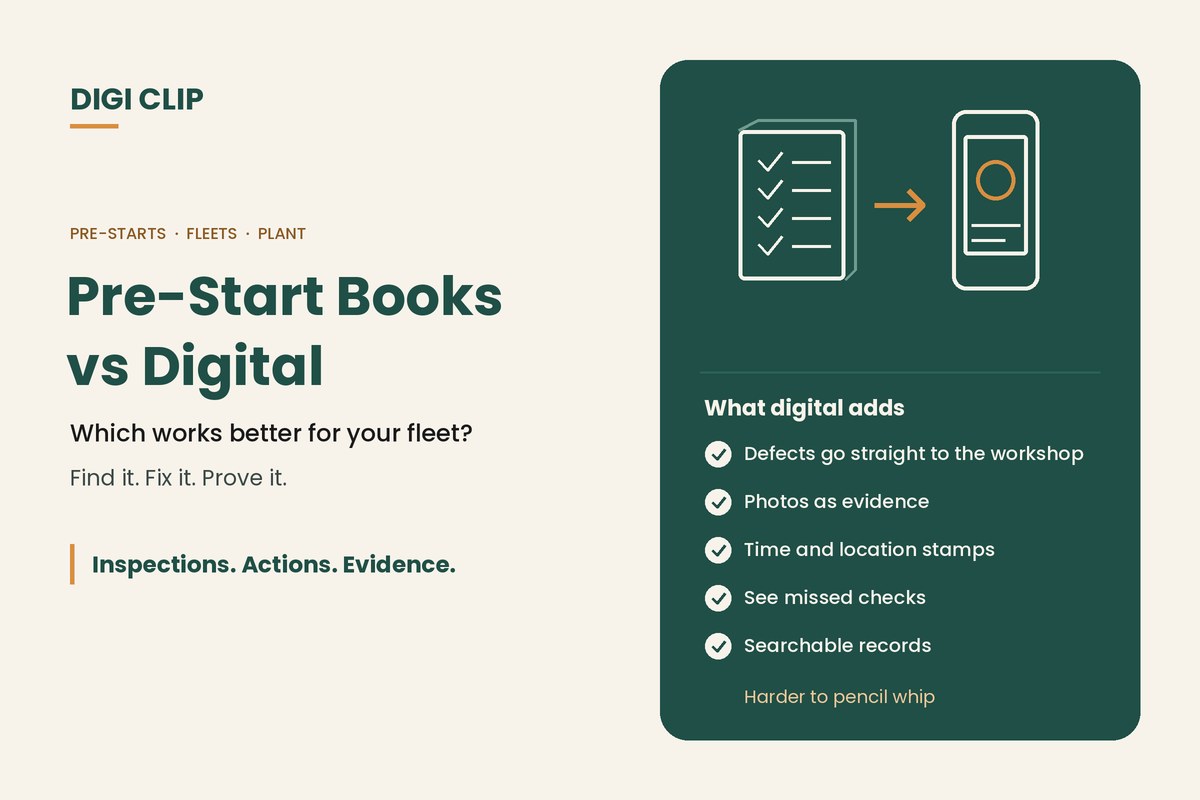
- Defects become actions: a failed item is assigned to the workshop with a due date.
- Better evidence: photos of the defect, and time and location stamps showing when and where the check was done.
- Fleet-wide view: see which vehicles and machines have been checked, and which haven’t.
- Consistent checklists: everyone uses the current version.
- Records on demand: pull up a vehicle’s check history for an audit, customer or investigation.
Switching from books to digital
- Start with one vehicle type. Pick the fleet or machine group where missed defects cause the most trouble.
- Review the checklist. Remove items nobody checks and make pass/fail criteria clear.
- Set the defect process. Decide which faults stop the vehicle and who gets the action.
- Trial with a few drivers. Get feedback on the questions and the app before rolling out.
- Roll out and retire the books. Run both briefly if needed, then remove the paper books.
- Watch the numbers. Track completion rates and defect close-out times, and follow up gaps.
Digital pre-starts with DIGI CLIP
With DIGI CLIP, drivers and operators complete pre-starts on a phone, even without coverage, with photos of any defects. Each form is location- and time-stamped. A failed item creates an action in the Action Log, so the workshop sees it straight away, and the repair is closed out with evidence. See our truck pre-start checklist app. See our guide to choosing an inspection app for a feature-by-feature checklist.
Illustrative scenario: a leaking hose that stayed in the book
A plant hire business finds that a hydraulic hose leak on a loader was written in the pre-start book three days running before anyone in the workshop saw it. After moving to DIGI CLIP, the next leak an operator reports creates an action for the fitter immediately, and the hose is replaced that morning with a photo to close it out.
This scenario is illustrative. It shows how a business could use DIGI CLIP and is not an account of a specific customer.
See also our commercial truck safety checklist and guide to mobile forms for business.
Retire the Pre-Start Books
Put pre-starts on your drivers’ and operators’ phones and see defects land in the Action Log, ready to fix and prove.
Start Your 14-Day Free TrialNo credit card required. Set up in minutes.
Frequently asked questions
Are paper pre-start books still acceptable?
Yes, paper books can be used, as long as checks are done properly and defects are followed up. The main risks are pencil whipping, lost books and defects that never reach the workshop.
What is pencil whipping?
Ticking every item on a checklist without actually checking it, sometimes for several days at once. It makes records look complete when the checks weren’t done.
What are the benefits of digital pre-start checklists?
Defects are sent straight to the people who fix them, records include photos and time and location stamps, managers can see which vehicles were checked, and records are easy to search and export.
Do digital pre-starts work without mobile coverage?
They should. In DIGI CLIP, pre-starts can be completed offline and submitted with a tap once the device is back online.
How do you switch from pre-start books to digital?
Start with one vehicle or machine group, review the checklist, set the defect process, trial it with a few drivers, then roll out and retire the paper books.
Can digital pre-start records help after an incident?
Yes. A searchable history of checks, defects and repairs, with photos and time and location stamps, makes it easier to show what was checked and what was done.
About DIGI CLIP Mobile Forms
DIGI CLIP is an Australian-built mobile checklist and inspection platform. Inspections. Actions. Evidence. Teams complete checks on a phone or tablet, turn defects into assigned actions, and keep the proof that each one was fixed and verified.
See our Form Library for ready-made templates.